Selecting the right MSP ticketing system and service desk solution

Selecting the right ticketing system is essential for MSPs aiming to optimize service delivery and improve customer satisfaction. Here’s what to focus on:

Seamless integration

Ensure the system is natively integrated within your PSA solution and connects with RMM, cybersecurity and data protection tools. This enables efficient data exchange, unified insights into SLAs, costs and other key business metrics and supports rapid responses to client issues.

Comprehensive analytics

Look for built-in SLA tracking, NPS monitoring and business analytics that can be visualized through easy-to-create and use dashboards and reports.

Technician time tracking

Choose a solution that includes time tracking to monitor technician activities and allocate resources effectively.

Create and consolidate tickets from

Emails

Configure smart, automatic creation and updates of service desk tickets based on incoming and outgoing support emails.

RMM alerts

Generate tickets from alerts by Acronis RMM, Datto RMM, Kaseya VSA, N-able N-central, N-able N-sight and NinjaOne.

Acronis security and backup alerts

Create tickets based on alerts from Acronis, including those for backup, DR, anti-malware protection and XDR and EDR services.

Via the public ticket portal

Receive support requests through the brandable ticket portal that you can easily integrate into your website.
Part of Acronis PSA

Simplify success with an easy-to-deploy, adopt and use PSA tailored for modern recurring and cloud MSP business models.
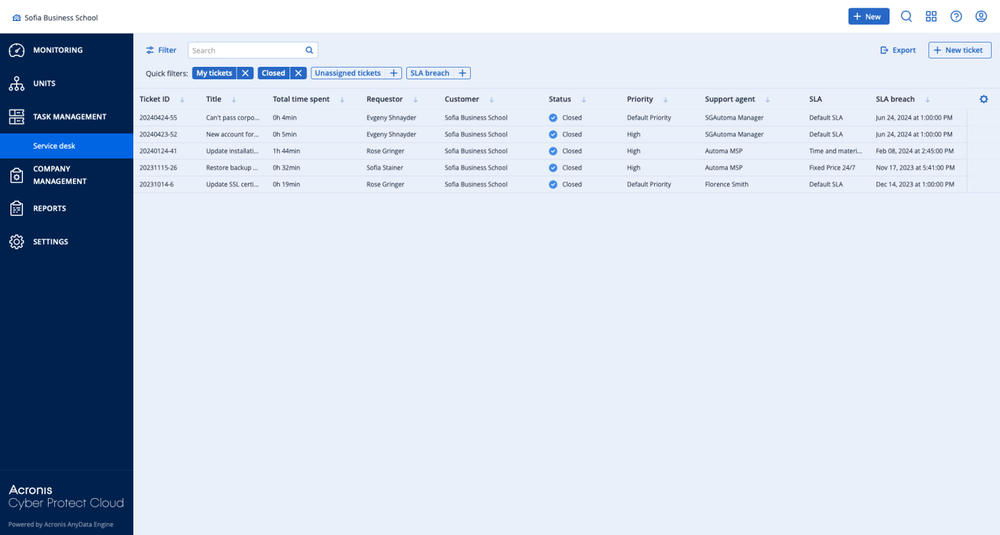
Showcase: Key service desk capabilities for MSPs

  • Acronis
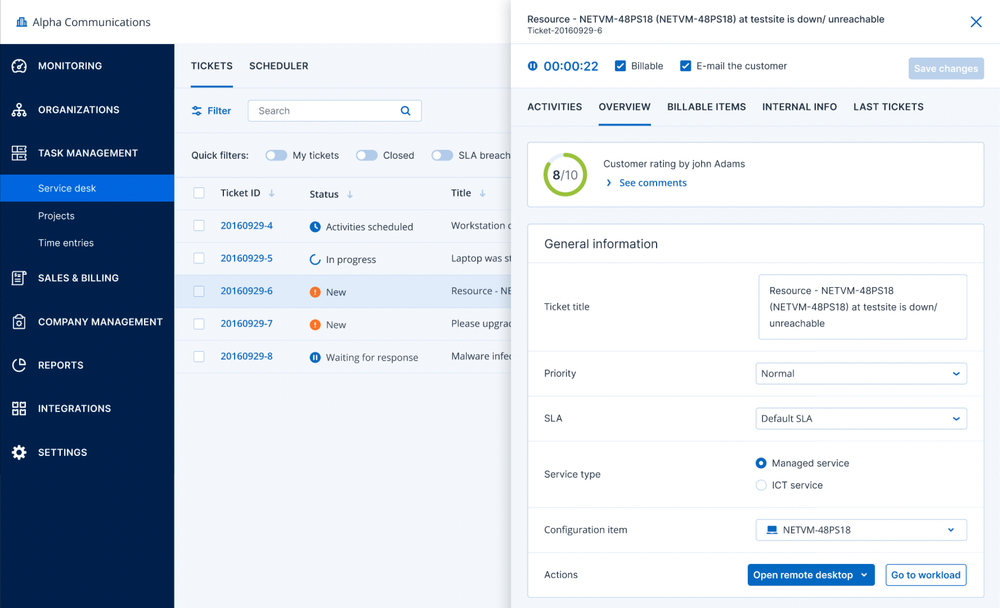
    Accessing the main tickets view
  • Acronis
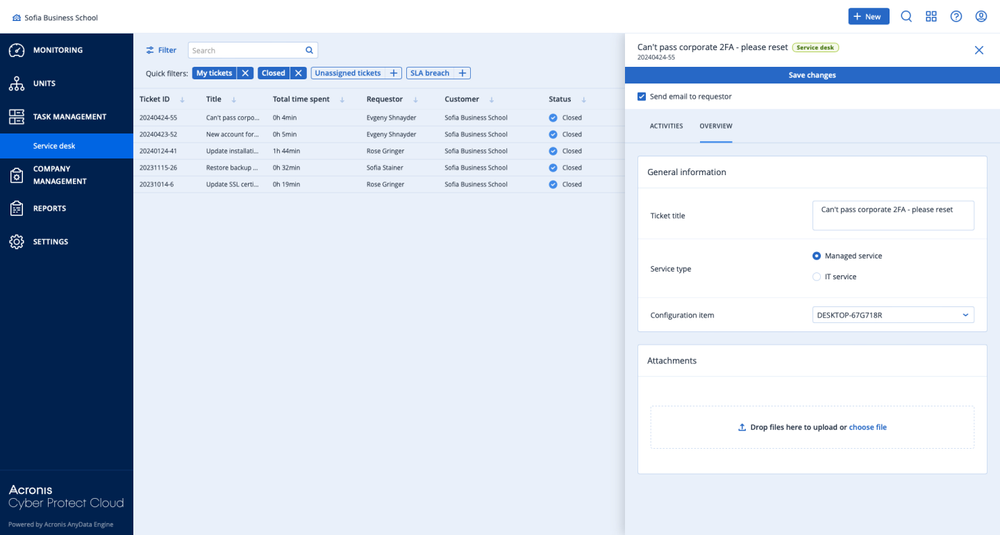
    Reviewing closed tickets
  • Acronis
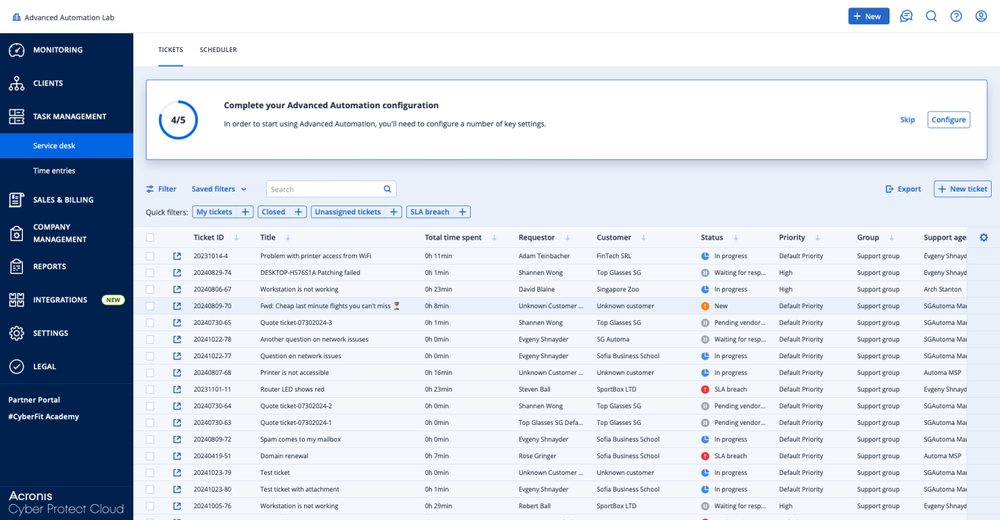
    Navigate through tickets, search and add filters
  • Acronis
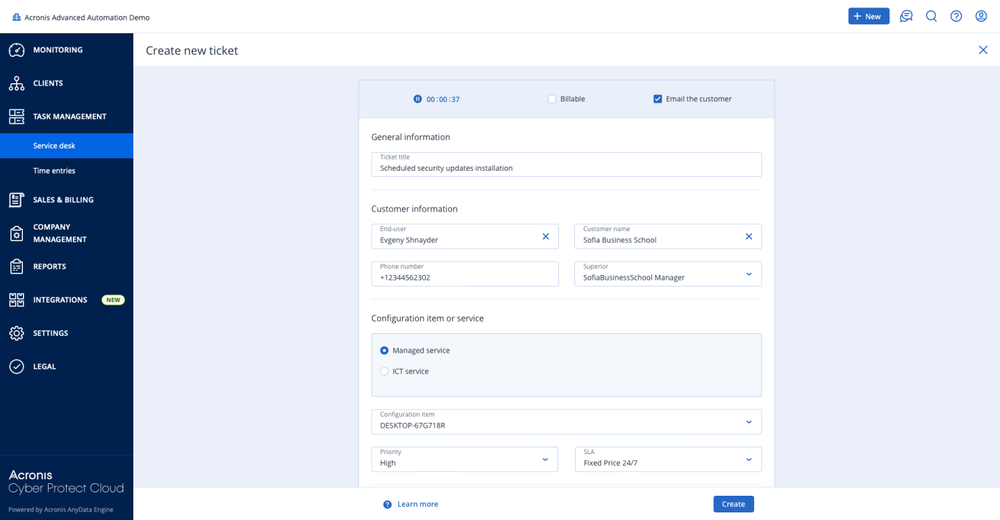
    Adding a new ticket from the management portal

Looking for help?

Frequently Asked Questions

Product help
In case you have any difficulties, we have collected all the useful materials for this product in our FAQ, Knowledge Base, video tutorials and documentation. Also you can always ask your question on our discussion boards.
Support
Customers with active product maintenance or subscription are entitled to 24/7 technical support. Follow the instructions at the Technical Support Site to get prompt support by phone, chat or e-mail.

Sorry, your browser is not supported.

It seems that our new website is incompatible with your current browser's version. Don’t worry, this is easily fixed! To view our complete website, simply update your browser now or continue anyway.