

Your benefits of using Acronis True Image data replication and backup software:

  • Acronis

    Protection against data loss and hardware failures

  • Acronis

    Improved data security and accessibility

  • Acronis

    Enhanced disaster recovery capabilities

Key features of Acronis True Image

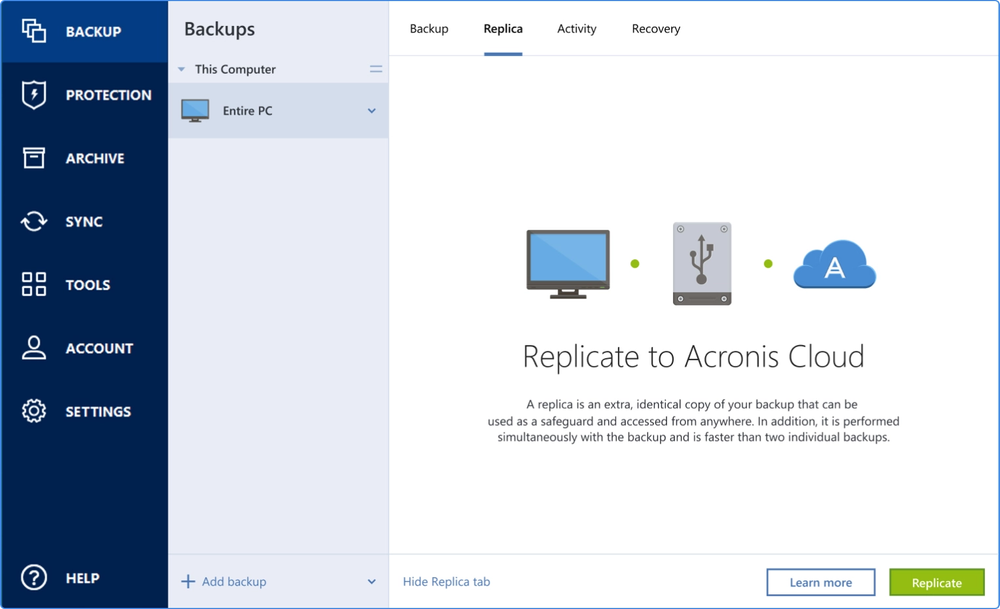
  • Automated local backup replication

    Automated local backup replication

    Effortlessly replicate your data with automated backup software, ensuring premium security and data safety.
  • User-friendly backup and restore functionality

    User-friendly backup and restore functionality

    Easy to use backup and restore software, ensuring instant access from any location, anytime.
  • Cross-platform and device compatibility

    Cross-platform and device compatibility

    Enjoy peace of mind with full support for Windows, macOS, Android, and iOS devices.
  • Advanced encryption and security measures

    Advanced encryption and security measures

    Enjoy complete cyber protection with end-to-end encryption and security protocols protecting your backups.
  • Flexible scheduling and customization

    Flexible scheduling and customization

    Schedule your secure backup including additional customization possibilities to fit your specific needs.
  • Fast and reliable recovery

    Fast and reliable recovery

    Restore your data quickly with minimal downtime, ensuring business continuity and personal convenience.

3-2-1 Backup Strategy

If you really want to avoid losing data, the experts agree that the 3-2-1 backup strategy is the most effective approach. It’s the only way to guarantee that you’ll have a safe copy of your data to use when you need to recover — no matter what happens. Therefore, it is advisable to utilize data replication software and you should do the following:

  • icon alt
    3
    Copies of your data
  • icon alt
    2
    Types of storage media
  • icon alt
    1
    Backup kept off-site
  • icon alt
    icon alt
    icon alt
  • icon alt
    icon alt
  • icon alt

Easily automate your protection

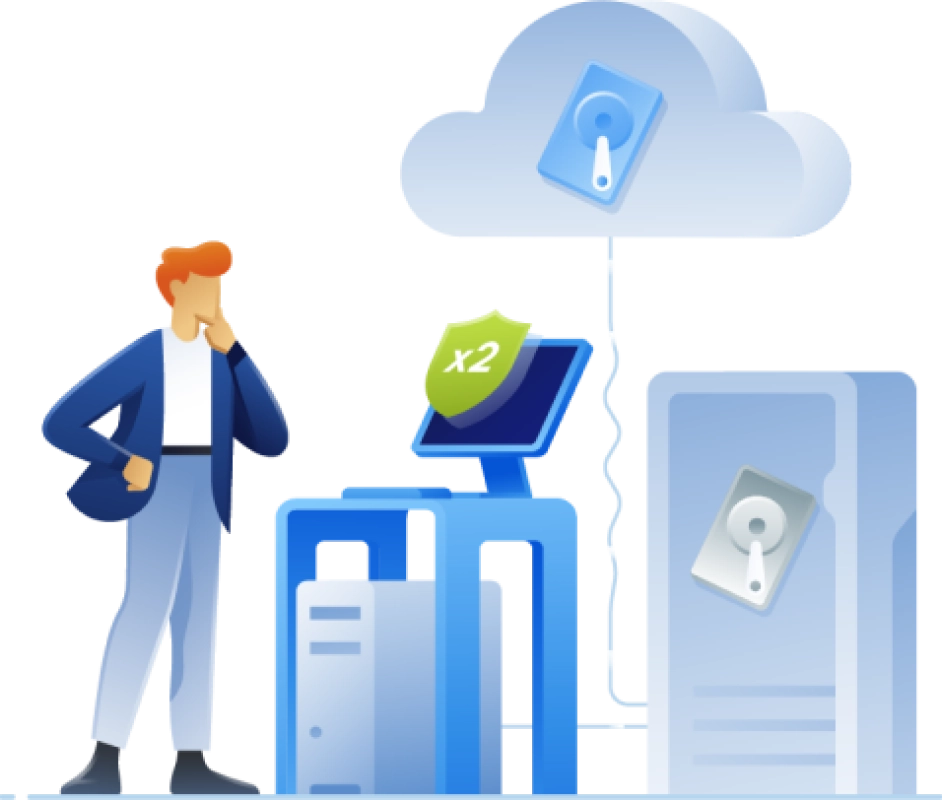
Despite its clear benefits, 90% of individuals recently reported they do not use a combination of local and online backup. As the only personal backup solution that can automatically replicate local backups to the cloud, Acronis True Image (formerly Acronis Cyber Protect Home Office) makes it easy to adopt the 3-2-1 backup strategy. Dual protection is an easy, efficient way to eliminate the headaches of managing two plans and avoid wasting time creating two separate backups. Simply complete the first backup and in the future Acronis replication software will create automatic copies of the local backups in the cloud.

Acronis

Choose the Acronis True Image plan that meets your needs

Essentials

Local backup and anti-ransomware protection

One-year subscription

$49.99per year

  • Flexible backups: full image to file level
  • Active disk cloning
  • Quick recovery / Universal restore
  • Ransomware protection
  • FREE UPGRADES to the most recent product version
  • Phone, email and chat support
  • Available for Windows and macOS

Advanced

Local and cloud backup and security

Most popular

One-year subscription

$72.99per year

  • Flexible backups: full image to file level
  • Active disk cloning
  • Quick recovery / Universal restore
  • Ransomware protection
  • +
  • Identity Protection
  • Block viruses and malware
  • Cloud backup and features
  • Automatic replication of data in the cloud
  • Microsoft 365 backups
  • FREE UPGRADES to the most recent product version
  • Phone, email and chat support
  • Available for Windows and macOS

Premium

Up to 5TB of cloud and local backup and security

One-year subscription

$124.99per year

  • Flexible backups: full image to file level
  • Active disk cloning
  • Quick recovery / Universal restore
  • Ransomware protection
  • +
  • Identity Protection
  • Block viruses and malware
  • Cloud backup and features
  • Automatic replication of data in the cloud
  • Microsoft 365 backups
  • +
  • Blockchain certification of files
  • Electronic signatures on files
  • Ability to add up to 5TB of cloud storage
  • FREE UPGRADES to the most recent product version
  • Priority phone, email and chat support
  • Available for Windows and macOS

Give the gift of cyber protection

Get Acronis True Image as a gift

What the experts say

  • Ari S.
    Verified user

Supported platforms

Microsoft Windows

  • Windows 11 (all editions)
  • Windows 10 (all editions)

Mobile operating systems

  • iOS 15 or later
  • Android 10 or later

Windows file systems

  • NTFS
  • Ext2/Ext3/Ext4
  • ReiserFS(3)
  • Linux SWAP
  • HFS+/HFSX
  • FAT16/32/exFAT

Apple macOS

  • macOS Tahoe 26
  • macOS Sequoia 15
  • macOS Sonoma 14
  • macOS Ventura 13
  • macOS Monterey 12

macOS file systems

  • APFS
  • HFS+
  • FAT32
  • NTFS (including Boot Camp)
Acronis

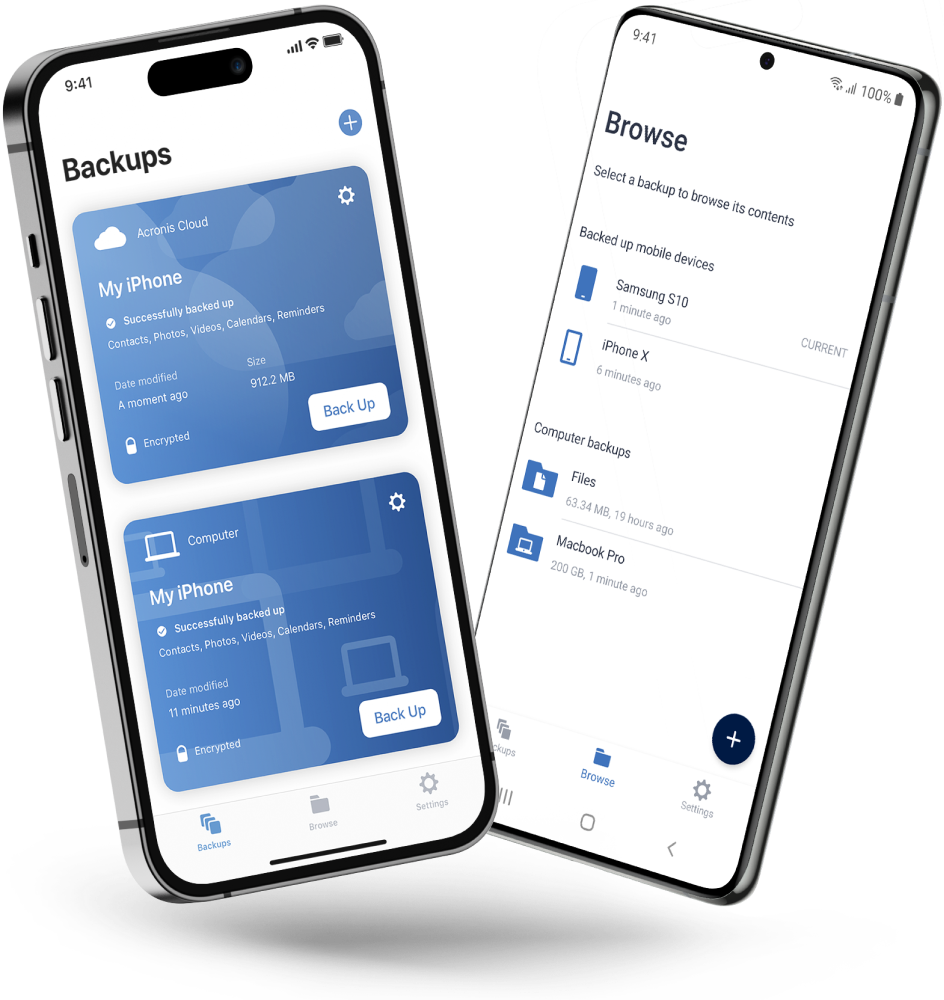
Acronis Mobile: Easy, secure and portable

Never worry about losing your photos, videos, contacts or important files again. With the Acronis Mobile app, you can easily back up everything that matters on your phone and keep it safe in the cloud. Access your files anytime, anywhere from the Acronis Cloud, whether you're switching devices or just want peace of mind. It’s fast and always ready to protect your digital life.

Looking for assistance?

Frequently Asked Questions

Product help
If you need product assistance, you can find helpful materials in the Knowledge Base. Or, post questions on our discussion boards.
Technical support
For subscription owners, there is free, 24-hour technical support. Refer to the Technical Support Site to find the appropriate support contact.

Sorry, your browser is not supported.

It seems that our new website is incompatible with your current browser's version. Don’t worry, this is easily fixed! To view our complete website, simply update your browser now or continue anyway.