

Ensuring Data Resilience with Acronis Replication Tool

When you lose data, having access to a reliable copy is the only way to recover it. If your hardware fails, having a local copy on an external hard drive makes recovery fast. But if your computer and that local backup are destroyed, having an online backup guarantees you won't lose anything. Data replication software that helps you to replicate your backup data is needed to protect your memories, data and files.

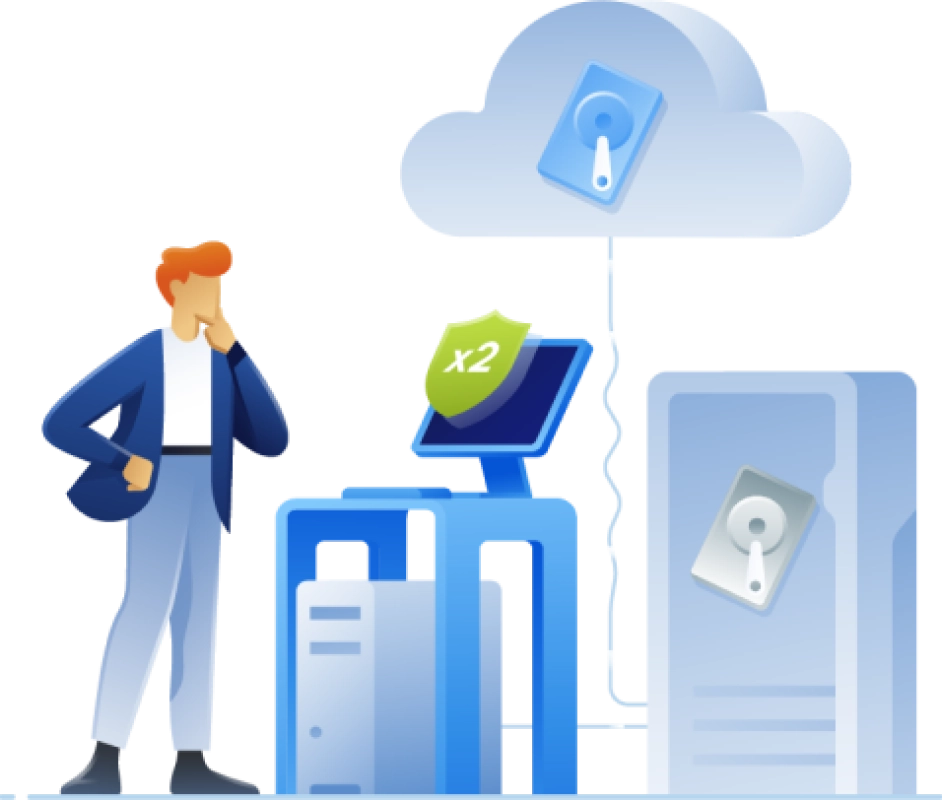
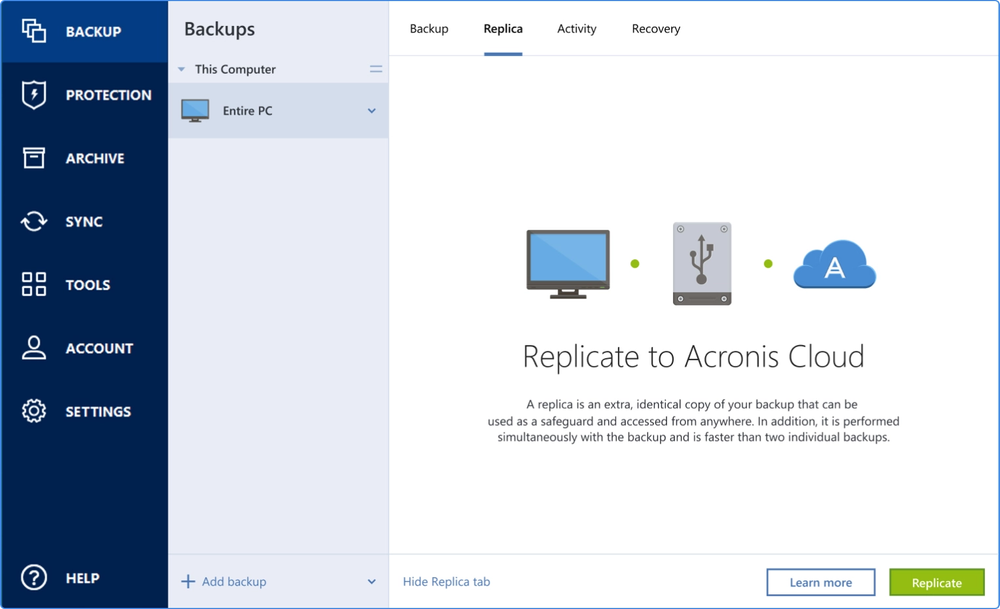
Local backups combined with a cloud replication software delivers peace of mind, which is called Dual protection. Acronis makes it easy and efficient by automatically replicating local backups in the cloud. Meaning you do not have to worry about your backup with Acronis real time data replication, which will help you to keep all your old and latest data backed up on time.

Ensuring Data Resilience with Acronis Replication Tool

Your benefits of using Acronis True Image data replication and backup software:

  • Protection against data loss and hardware failures

    Protection against data loss and hardware failures

  • Improved data security and accessibility

    Improved data security and accessibility

  • Enhanced disaster recovery capabilities

    Enhanced disaster recovery capabilities

Key features of Acronis True Image

  • Automated local backup replication

    Automated local backup replication

    Effortlessly replicate your data with automated backup software, ensuring premium security and data safety.
  • User-friendly backup and restore functionality

    User-friendly backup and restore functionality

    Easy to use backup and restore software, ensuring instant access from any location, anytime.
  • Cross-platform and device compatibility

    Cross-platform and device compatibility

    Enjoy peace of mind with full support for Windows, macOS, Android, and iOS devices.
  • Advanced encryption and security measures

    Advanced encryption and security measures

    Enjoy complete cyber protection with end-to-end encryption and security protocols protecting your backups.
  • Flexible scheduling and customization

    Flexible scheduling and customization

    Schedule your secure backup including additional customization possibilities to fit your specific needs.
  • Fast and reliable recovery

    Fast and reliable recovery

    Restore your data quickly with minimal downtime, ensuring business continuity and personal convenience.

3-2-1 Backup Strategy

If you really want to avoid losing data, the experts agree that the 3-2-1 backup strategy is the most effective approach. It’s the only way to guarantee that you’ll have a safe copy of your data to use when you need to recover — no matter what happens.
Acronis
0:52

Easily automate your protection

Despite its clear benefits, 90% of individuals recently reported they do not use a combination of local and online backup. As the only personal backup solution that can automatically replicate local backups to the cloud, Acronis True Image (formerly Acronis Cyber Protect Home Office) makes it easy to adopt the 3-2-1 backup strategy. Dual protection is an easy, efficient way to eliminate the headaches of managing two plans and avoid wasting time creating two separate backups. Simply complete the first backup and in the future Acronis replication software will create automatic copies of the local backups in the cloud.

Acronis

Choose the Acronis True Image plan that meets your needs

What the experts say

  • …

    Ari S.
    Verified user

Supported platforms

Microsoft Windows

  • Windows 11 (64-bit)
  • Windows 10 (64-bit)

Mobile operating systems

  • iOS 15 or later
  • Android 10 or later

File systems on Windows

  • NTFS
  • Ext2/Ext3/Ext4
  • ReiserFS(3)
  • Linux SWAP
  • HFS+/HFSX
  • FAT16/32/exFAT

Apple macOS

  • macOS Tahoe 26
  • macOS Sequoia 15
  • macOS Sonoma 14
  • macOS Ventura 13
  • macOS Monterey 12

File systems on macOS

  • APFS
  • HFS+
  • FAT32
  • NTFS (including Boot Camp)

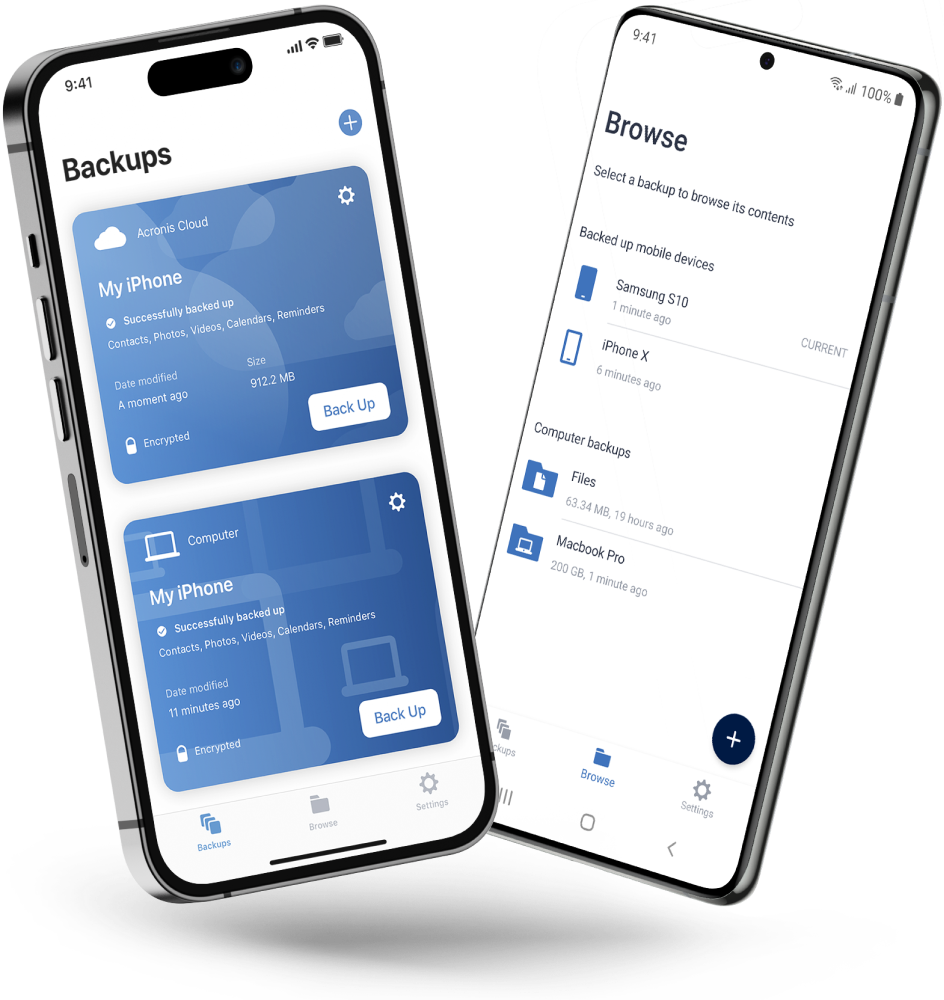
Acronis Mobile: Easy, secure and portable

Never worry about losing your photos, videos, contacts or important files again. With the Acronis Mobile app, you can easily back up everything that matters on your phone and keep it safe in the cloud. Access your files anytime, anywhere from the Acronis Cloud, whether you're switching devices or just want peace of mind. It’s fast and always ready to protect your digital life.

Acronis Mobile: Easy, secure and portable

Looking for assistance?

Frequently Asked Questions

Product help
If you need product assistance, you can find helpful materials in the Knowledge Base. Or, post questions on our discussion boards.
Technical support
For subscription owners, there is free, 24-hour technical support. Refer to the Technical Support Site to find the appropriate support contact.

Sorry, your browser is not supported.

It seems that our website is incompatible with your current browser's version. Don't worry, this is easily fixed!
To view our complete website, simply update your browser now or continue anyway.