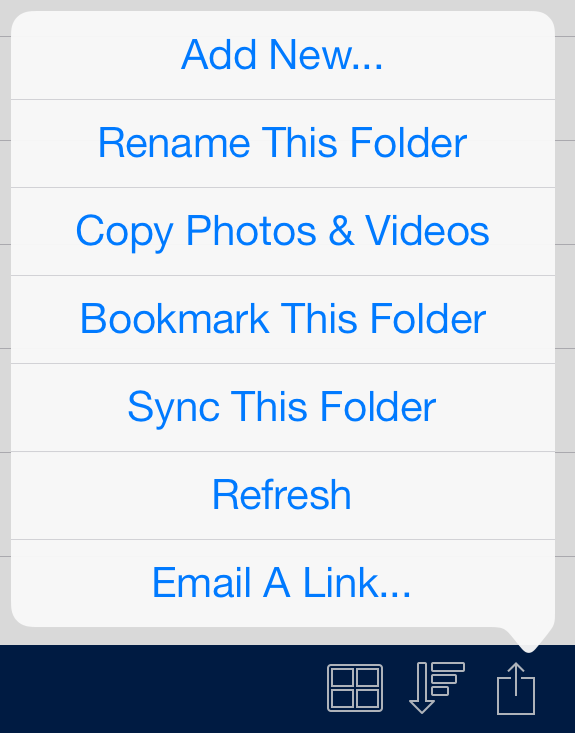
Add to Folder Options
Acronis Access can create new folders on servers and in the My Files local file storage area.
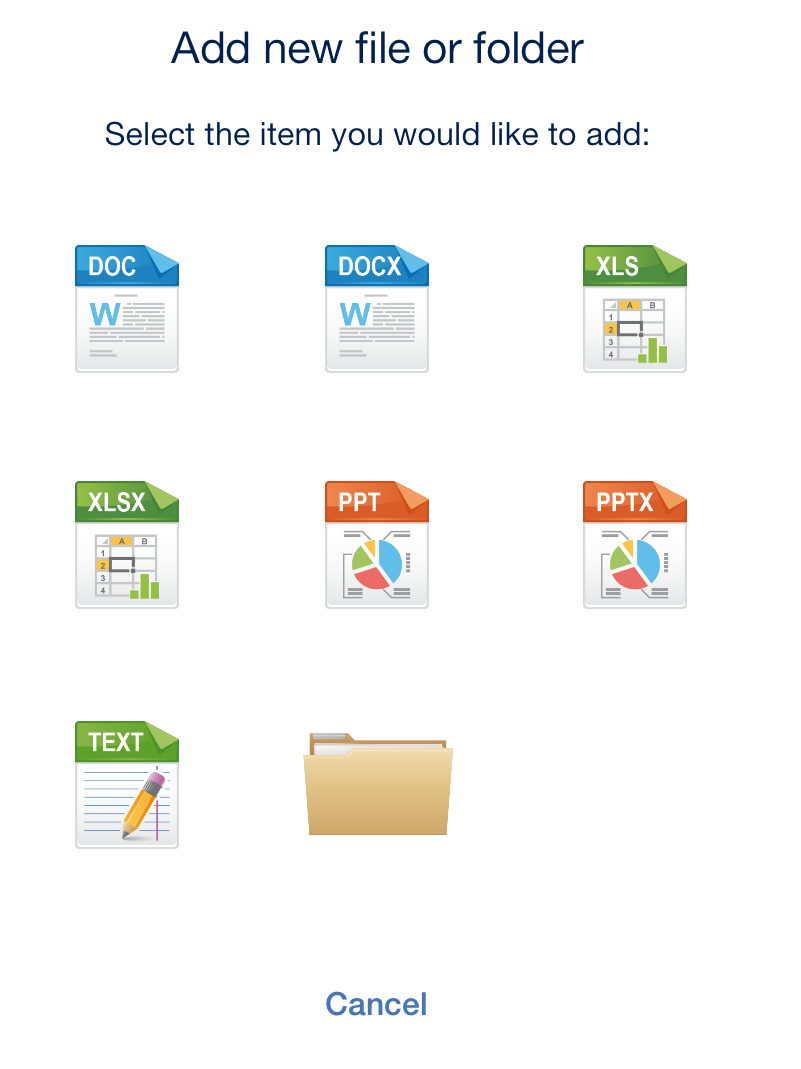
To create a folder within the folder you are currently viewing:
- Tap the Add to Folder button on the right end of the bottom menu bar.
- Tap the Folder icon.
The Folder Action Menu contains additional options:
- Rename This Folder – Used to rename the folder you are currently browsing.
- Copy Photos -- Used to copy photos from the iPad photo library to folder you are currently browsing.
- Bookmark This Folder -- Create a shortcut to this folder.
- Sync This Folder – Sync the contents of this folder to your device for offline use. This can be done as a 1-way (server to device only) or 2-way sync.
- Refresh – Update the content of the folder to display the latest content from the server.