Configuring the Production patching protection plan
You can configure a protection plan with patch installation settings for your machines in the production environment.
To configure the Production patching protection plan
- In the Cyber Protect console, go to Management > Protection plans.
- Click Create plan.
- Enable the Patch management module.
-
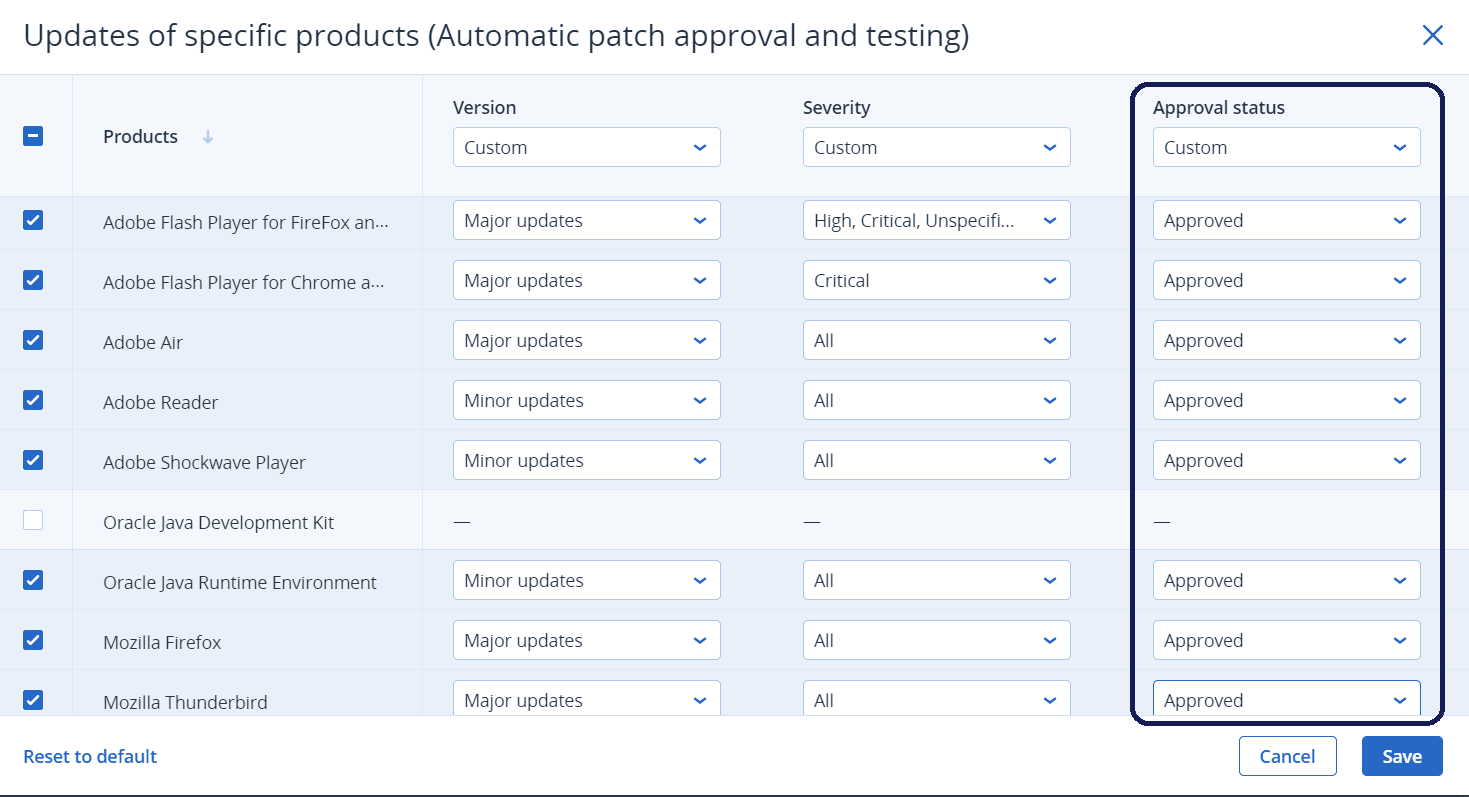
Define which updates to install for Microsoft and third-party products, schedule, and pre-update backup. For more details about these settings, see Patch management settings in the protection plan.
For all the products to be updated, set the Approval status to Approved. Thus, the agent will install only Approved patches on the selected machines in the production environment.