

Protect client data and be alerted to issues through the same, trusted Addigy interface you use to manage your customer environments.
Acronis Cyber Protect Cloud integration with Addigy
Deploy Acronis’ comprehensive cyber protection solution on as many macOS workloads as needed with minimal efforts, leveraging Acronis’ integration with Addigy — a leading cloud-based IT platform for managing Apple devices. Reduce complexity by efficiently managing and monitoring cyber protection plans and statuses, using the native Addigy tools you already know and rely on.
Explore resources
No more bouncing between multiple consoles
Use cases
Simple configuration
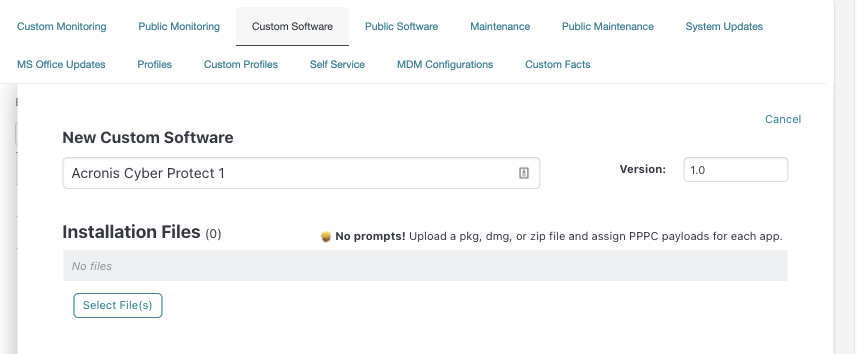
The integration with Addigy leverages standard enrollment and configuration policies for macOS devices. A special script enables automatic download of the latest version of the Acronis installer for your Mac architecture and operating system, selecting either the Intel or Silicon (ARM) installer as appropriate for your environment.
Remotely install the protection agent on macOS devices
Once the configuration is done, simply add the Custom Software you’ve created to the policies you wish to deploy Acronis Cyber Protect Cloud to. Deployment is supported on Intel and M1 devices.
Assign sophisticated cyber protection plans
Leverage a default protection plan for all macOS devices used by an Addigy account. You can set any existing protection plan as a default one. This plan will then be applied immediately after installation and registration, protecting your clients’ macOS workloads with a single action.
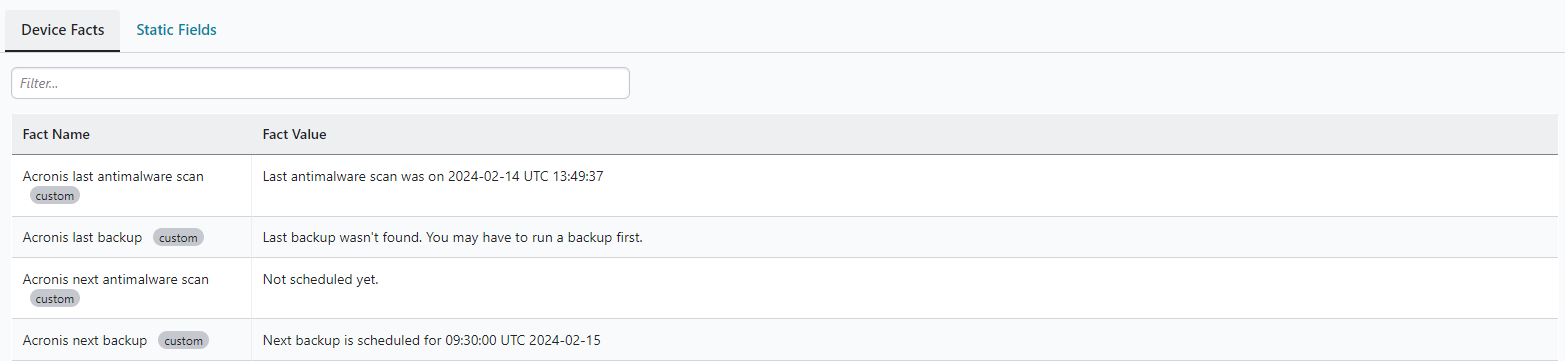
Monitor protection statuses
Monitor the status of the applied protection plans within the Addigy interface. Simply and quickly choose and configure the Acronis Facts you wish to monitor in your Addigy environment.
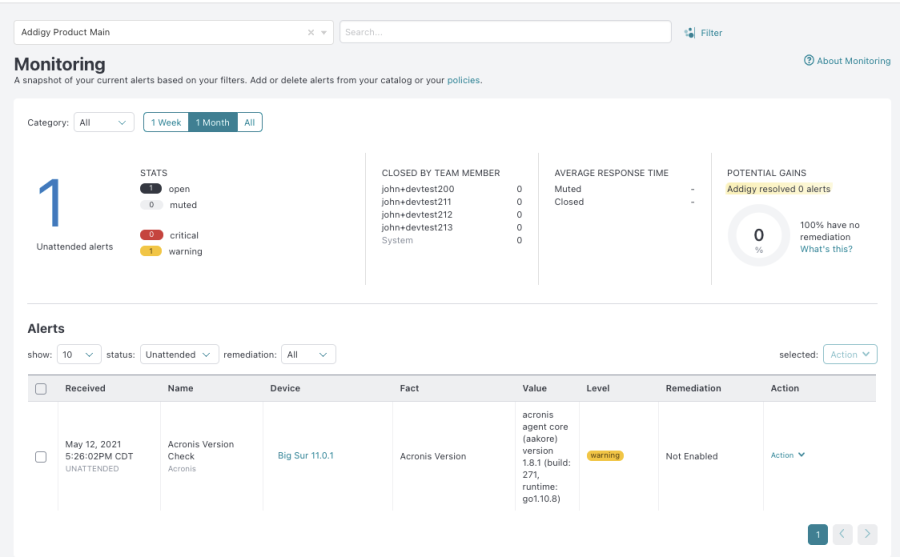
Leverage the native Addigy alerting
Elevate the power of Addigy’s native mechanisms, receive synchronized alerts and remediate any issues on the macOS devices you manage for your clients.