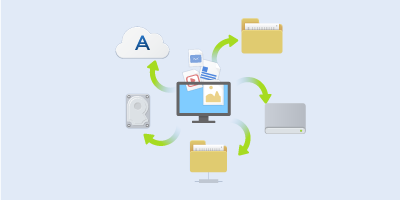
To protect files such as documents, photos, music files, and video files, there is no need to back up the entire partition containing the files. You can back up specific files and folders and save them to the following storage types:
Local or network storage
This option is fast and easy. Use it to protect rarely changed files.
This option is reliable. Use it to protect critical files and files that you want to share between devices or people.
To use Acronis Cloud, you must have an Acronis account and a subscription to the Acronis Cloud service. Refer to Subscription information for details.
To back up files and folders:
Start Acronis True Image 2019.
On the sidebar, click Backup.
Click the Backup source icon, and then select Files and folders.
In the opened window, select the check boxes next to the files and folders that you want to back up, and then click OK.
Click the Backup destination icon, and then select a destination for backup:
Acronis Cloud—Sign in to your Acronis account, and then click OK.
Your external drive—When an external drive is plugged into your computer, you can select it from the list.
NAS—Select an NAS from the list of found NAS devices. If you have only one NAS, Acronis True Image 2019 will suggest using it as a backup destination by default.