- To purchase the full version, go to: www.acronis.com/redirector/products/timac2016/getfullversion/.
- To try the free trial version, go to: www.acronis.com/redirector/products/timac2016/getfreetrial/.
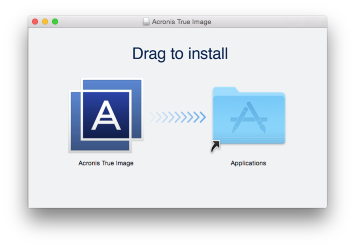
Installation
To install Acronis True Image 2016:
When you start Acronis True Image 2016 for the first time, you must enter the serial number or start the trial version of the product.
Update
Acronis True Image 2016 notifies you automatically when an update is available from the Acronis website. You can download it, and then install it over your version of Acronis True Image 2016. All your backups and settings will be kept.
Uninstallation
To remove Acronis True Image 2016 from your Mac: