Archiving your data

Data archiving helps you free up your storage space by moving your old or rarely used files to Acronis Cloud. Refer to What is data archiving for details.

To archive your data:

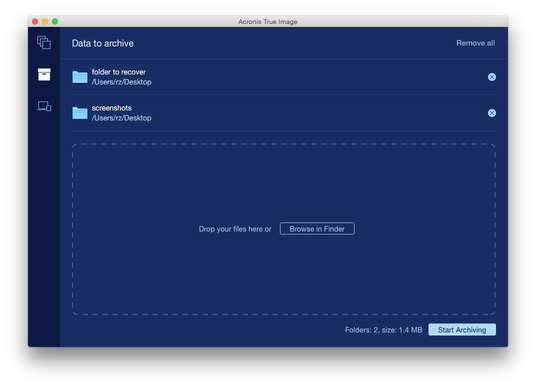
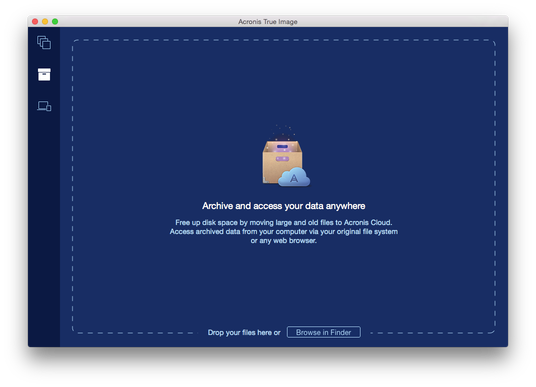
  1. Start Acronis True Image 2016, and then go to the Archive section.

    local backup - ati mac

  2. [Optional step] To learn basics of the data archiving feature, view the Getting Started slides.
  3. To select files to archive, do one of the following:

    local backup - ati mac

  4. Click Start Archiving.

See also

What is data archiving?

Data archiving vs. Online backup

Accessing your archived files

Basic concepts

Creating an Acronis account