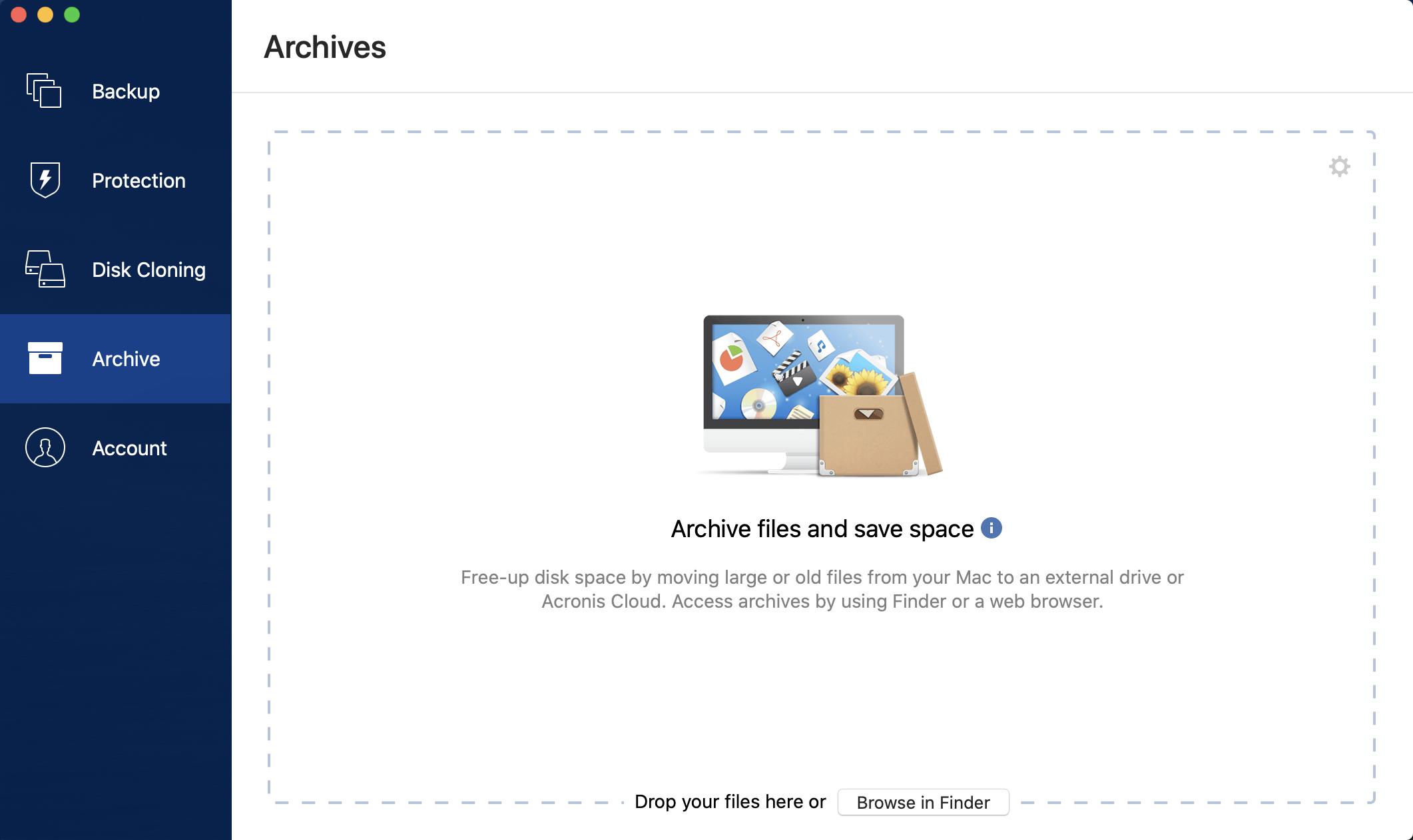
Data archiving helps you free up your storage space by moving your old or rarely used files to Acronis Cloud or local storage. Refer to What is data archiving for details.
To archive your data:
Start Acronis True Image 2021, and then go to the Archive section.
[Optional step] To learn basics of the data archiving feature, view the Getting Started slides.
To select files to archive, do one of the following:
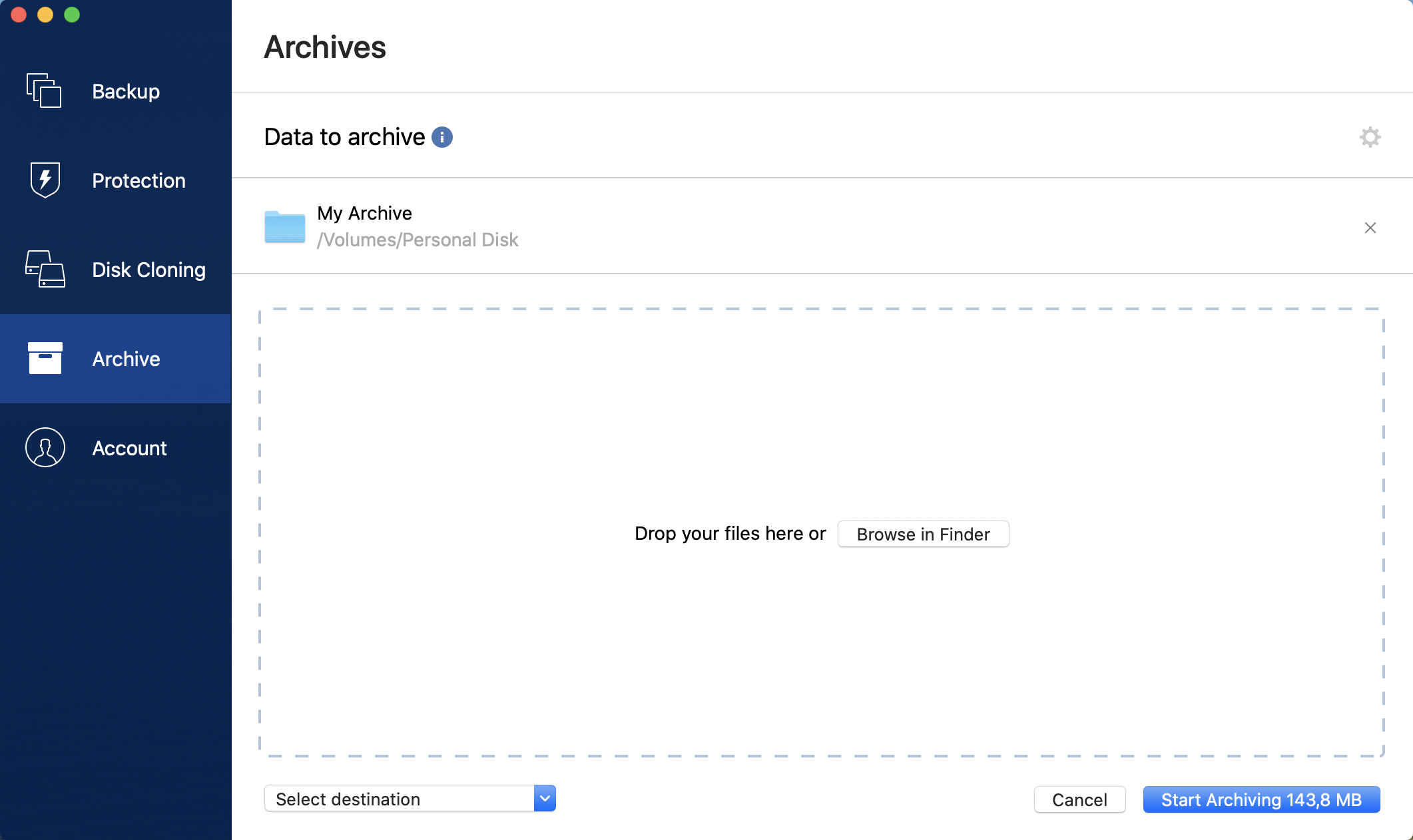
Drag the files to the Archive screen (for example, from Finder).
Click Browse in Finder, and then select the files to archive.
Click Select destination, and then select Acronis Cloud or a custom local destination for the archived files.
[Optional step] Click the gear icon to configure additional settings. You can:
Protect your archive with a password and encryption at Settings —> Encryption. Refer to Archive encryption for details.
Select a preferred data center and configure the upload speed at Settings —> Advanced. Refer to Selecting Acronis Cloud data center for details.
Click Start Archiving.
Confirm that you want to move your files to the archive and automatically delete them from your computer.