Note: To install Access Connect you must log in to Windows with Administrator privileges.
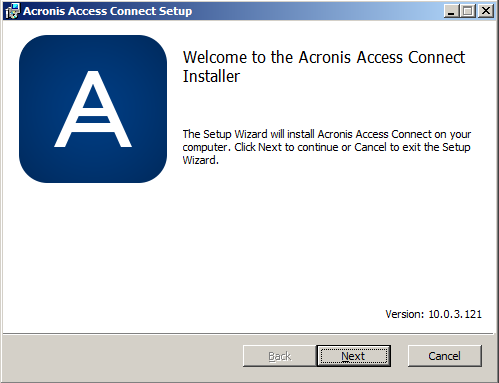
Note: If you have a previous version of Access Connect installed, it will be upgraded to the new version. Any existing settings will be retained.
Note: To install Access Connect you must log in to Windows with Administrator privileges.
Note: If you have a previous version of Access Connect installed, it will be upgraded to the new version. Any existing settings will be retained.
Note: For reinstallations, the Access Connect installer stops the Access Connect Service to perform the install. However, in some cases the installation fails because the Access Connect Service cannot be stopped. These cases include possible service errors, conflicts with other running processes, or installing while the Services Control Panel is open. If you experience installation failures, you can stop the Service manually from the Services Control Panel and proceed with the install.