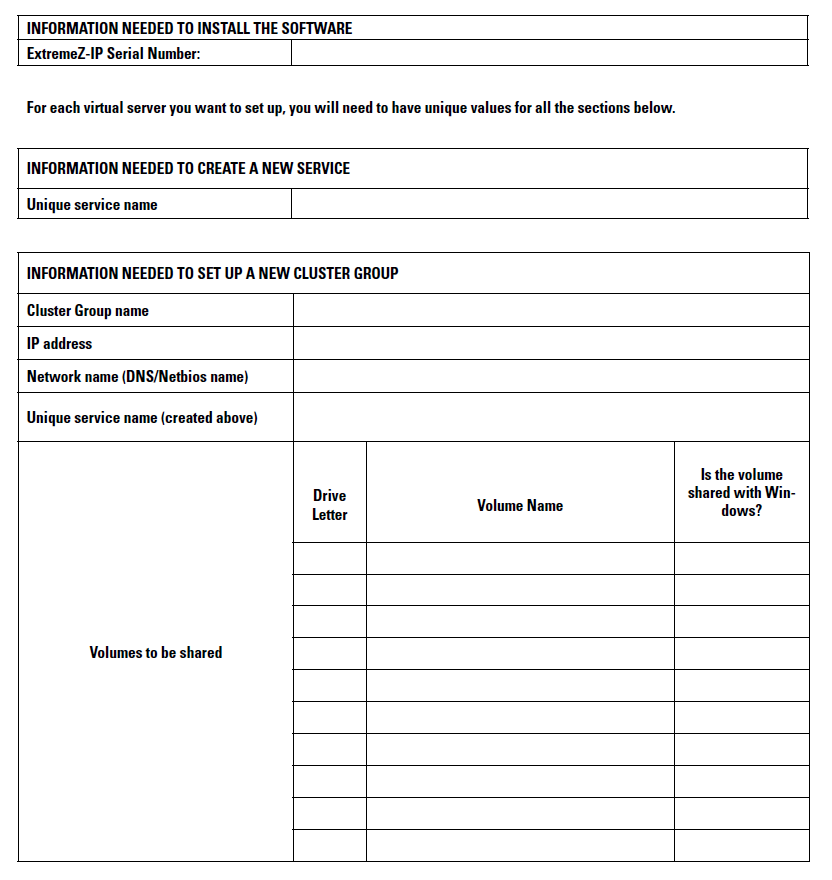
For each Access Connect service running on your cluster you will need the following:
To simplify this process we have provided a worksheet to prepare for your installation. Duplicate the worksheet for each additional Access Connect virtual server you would like to create. Information needed to install the software Access Connect Serial Number:
For each virtual server you want to set up, you will need to have unique values for all the sections below.
Information needed to create a new service: