Each Access Connect virtual server you want to use requires an Access Connect service instance. Each of these Access Connect services requires a unique Service Name. When Access Connect is installed on a cluster enabled server, no services are created by default. In this step, you will create a new Access Connect service for each virtual server, on each node you want the service to run on.
To create an Access Connect service, do the following:
After completing the Access Connect installation process, or on a cluster server with an exiting Access Connect installation, run the Access Connect Administrator application.
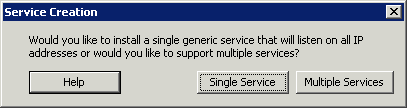
If Access Connect is being installed for the first time and no services exist, you will be prompted to create a service.
When setting up a cluster, choose Multiple Services.
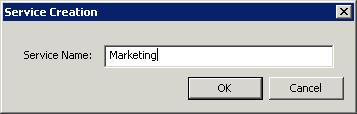
You will be prompted to create your first service. Enter the Service Name of your choosing. In this example, our service name is “Marketing”.Write down the exact service name you use in this command. You need the exact name when configuring Microsoft clustering in the next section.
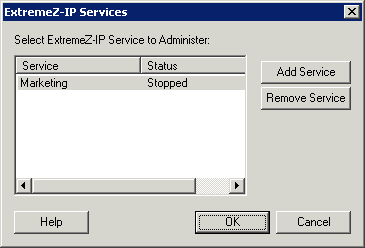
After the service is created, it will appear in the Access Connect Services window. Access Connect Services will be shown each time the Access Connect Administrator is launched. It is used to select the service you would like to administer, as well as to add or remove additional services.
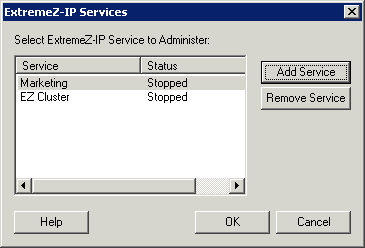
If you are configuring multiple services, select Add Service and to create any additional services necessary.
You will need to perform these steps on each cluster node that these Access Connect services will run on.