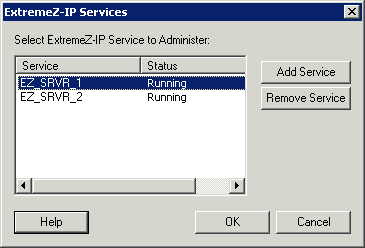
In a clustered environment, the Access Connect administrator behaves differently than it does in a non-clustered environment. You should always execute administration tasks on the node currently running the Access Connect Virtual Server you want to administer. Starting the service from the Access Connect Administrator or the Services control panel is disabled for clustered configurations. Clustered services should be started ONLY from the Microsoft Cluster Administrator. If the service is started by some other means (an application or the Services control panel) the Cluster Administrator will not know the service is running and, if required, cannot manage a failover.
Administer services only from the node they are running on. Then, you can create volumes that point to a specific folder. On a cluster, a node can only access the disks in its cluster group. In order to select a folder with the Browse for folder dialog you must run the Access Connect administrator on the node where the Physical Disks are located. Using the Access Connect Administrator, you can create a volume on another node; however, you will need to enter the path manually.
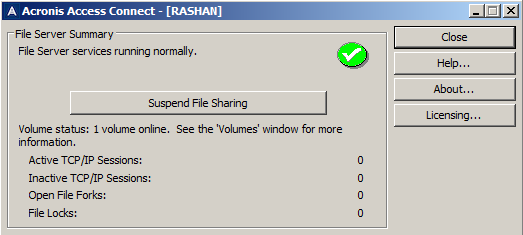
If the connection to the server is broken (that Cluster Group is failed over) the administrator cannot reconnect to that service since it is on another node. However, you can now administer it on the node to which it has been moved. If it fails back to the original node, you can reconnect to it.