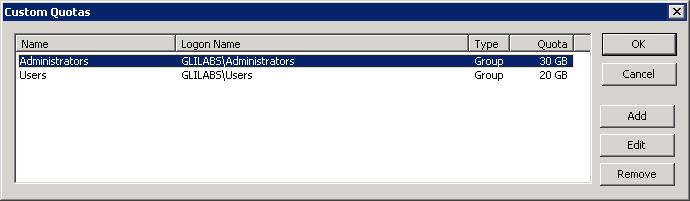
You can use Custom Quotas to define user-based or group-based Time Machine backup quotas. Quotas can be assigned to users and groups that exist locally on the server or within Active Directory. Custom quota settings always override the Limit users without custom quotas setting. Custom user quotas always override custom group quotas.
Setting a custom quota:
Click theCustom Quotas button on the Volume Properties dialog box to open theCustom Quotas window.
Click Add to add a new user-based or group-based quota.
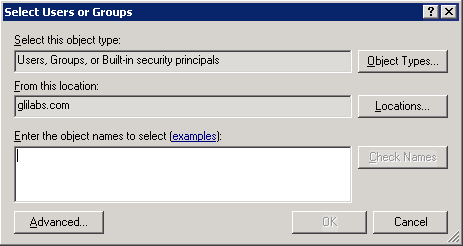
Use the Select Users or Groups dialog to choose the users or groups you would like to apply a quota to. You can pick more than one user or group at a time if you would like to set them all to the same quota value.
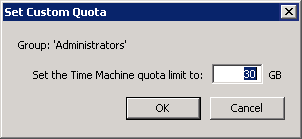
Enter the desired quota limit value in GB and click OK.