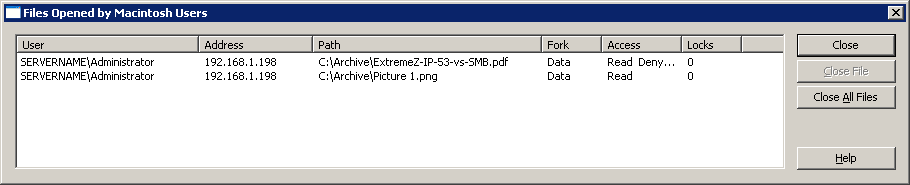
The Files Opened by Macintosh Users dialog box displays files currently in use. Macintosh users may open the data or resource fork of a file. To view the Files Opened by Macintosh Users dialog box, click the Files button on the Access Connect Administrator dialog box.
The dialog refreshes itself as new files are used by the Macintosh Users.
The dialog box lists the following information about each file being used:
Note: You should use caution when closing a file this way because a user may experience data loss and possibly a crash. Instead, disconnect a user using the Users dialog box; this automatically closes all files opened by that user