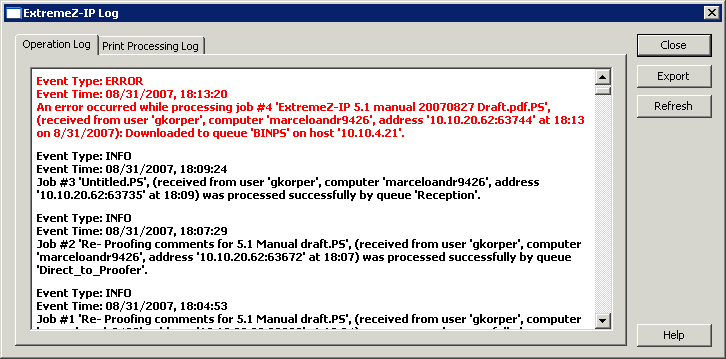
The Access Connect Administrator provides a log of the Access Connect server’s activities. The log contains details regarding the connections that have been made along with other operational information. You can export the log to a tab-delimited text file for use in other programs. Once the log is exported to a text file, you can import it into a spreadsheet or system designed to make use of the information.
To view the log, click the Log button on the Access Connect Administrator dialog box.
You can view the type of entry, the time the entry was made, and the message about the entry.