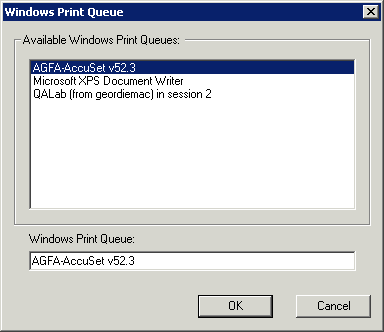
You see a list of Windows printers that you have already shared for Windows clients on the server. The PPD to be used by clients when printing to this queue. The name that you will see when you print from a Macintosh. Where Access Connect will send the jobs after they are received. Require the Macintosh client to supply job-tracking information every time they print to this queue (refer to the Access Connect manual for additional configuration). Whether the print queue should be discoverable by clients.