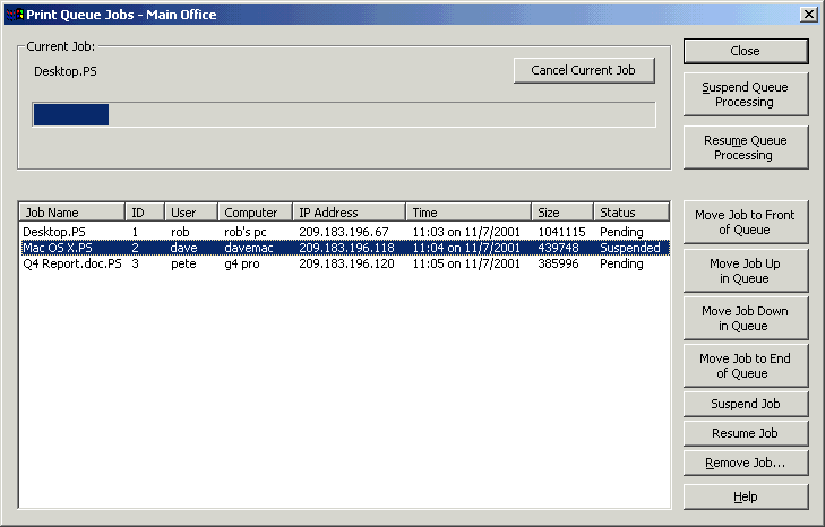
You can view and manage jobs being processed in the Print Queue Jobs dialog box for one or more print queues at the same time.
To view a list of the jobs being processed in a print queue, do the following:
Highlight a print queue in the Print Queue dialog box.
Click View Jobs in Queue. The Print Queue Jobs dialog box lists the jobs being processed. When a job is being processed, you see the progress indicator and the name of the job being processed.