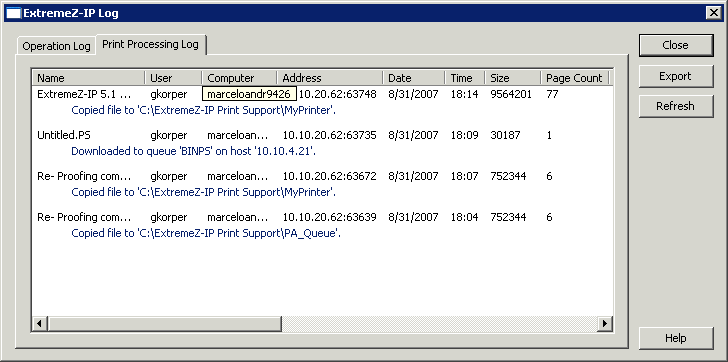
You can view a log of Access Connect activities. The log tells you what jobs have been printed and other information.
To view the log, do the following:
Click Log on the Access Connect Administrators dialog box.
Click the Print Processing Log tab to display it. The Print Processing Log contains standard printing information. You can sort the log by any column by clicking on the column title. To toggle the sort between ascending and descending, click the column title a second time.
Using the registry keys, you can add each new print log entry to a specified text file automatically. See Appendix A: Using the Registry Keys” here.