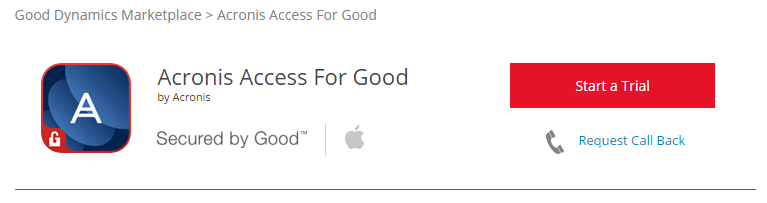
To request access to Acronis Access for Good, visit the Good marketplace ( https://begood.good.com/marketplace.jspa) and locate Acronis Access for Good in the list of available Good Dynamics apps.
If you select a trial version of the app, your access should be granted within a few minutes. You should receive a notification from the Good site when your request has been accepted and notify you that the Acronis Access for Good app as been published to your Good Control server.
Note: If you do not receive access, please contact Good Dynamics support.
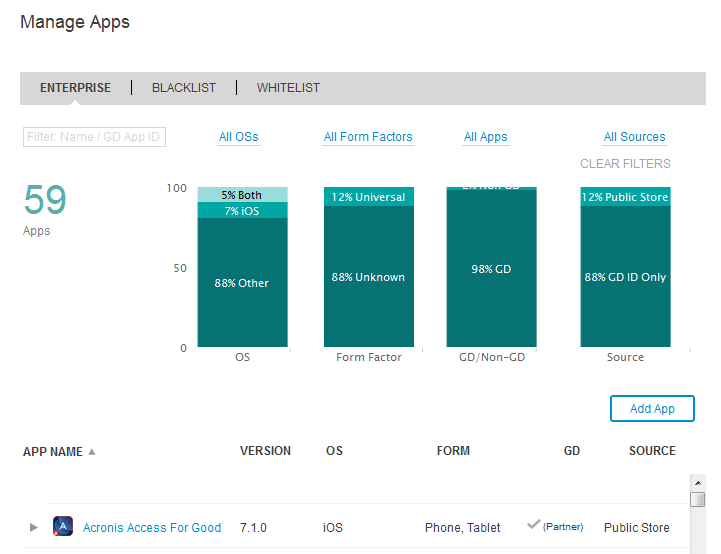
Once this has happened, log into your Good Control server and click Manage Apps in the lefthand menu. Acronis Access should now be listed in your applications list. If it's not listed, give it 15 minutes or so and check again. This will allow the change time to propagate to your server.