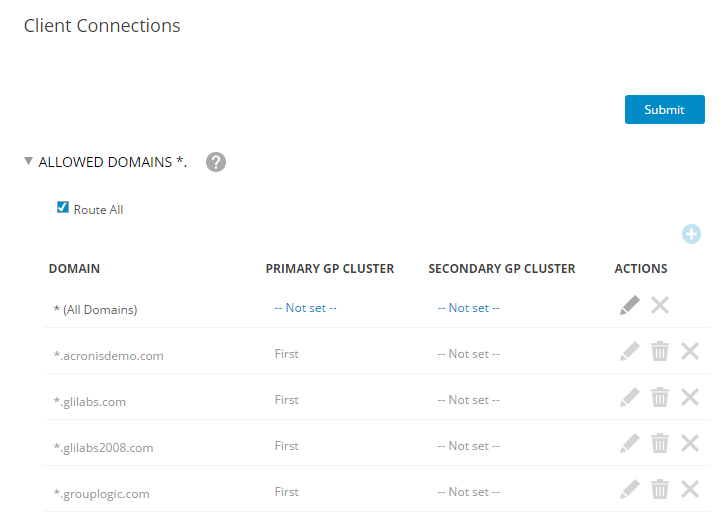
In order for Access Mobile Clients to be able to access your Acronis Access Gateway server through the Good Proxy server, you will need to configure access to the domain where your Acronis Access Gateway servers reside. This is done on the Client Connections page in the Good Control console.
Allowing access from your domain
This setting allows all Good clients to connect to all servers in the specified domain(s). If you don't want that, setup Additional Servers instead.
Assigning your domain as a default domain for connections
Allowing specific servers to connect
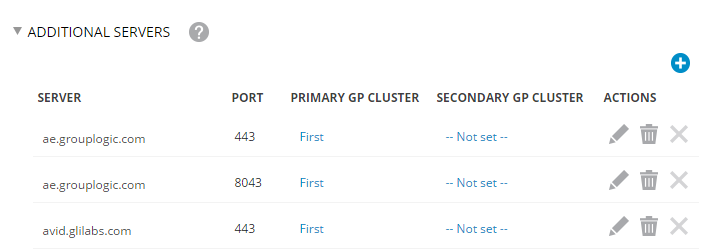
Use this setting instead of the Allowed Domains if you wish that your Good clients connect only these specific servers instead of every server in the domain.