Installing Acronis Access on your server
Installing Acronis Access
Please make sure you are logged in as an administrator before installing Acronis Access.
- Download the Acronis Access installer.
- Disable any anti-virus software you have or it may interrupt the installation procedure resulting in a failed installation.
- Double-click on the installer executable.
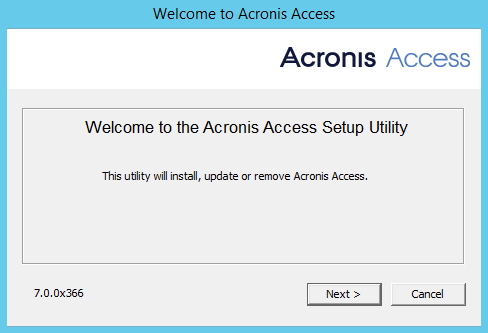
- Press Next to begin.
- Read and accept the license agreement.
- Press Install.
- Select where the product will be installed and press Next.
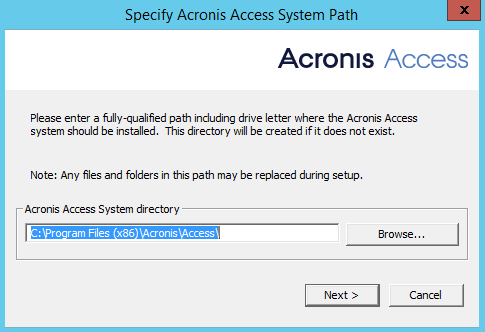
- Review the components which will be installed and press Install.
- Press Exit to close the installer.
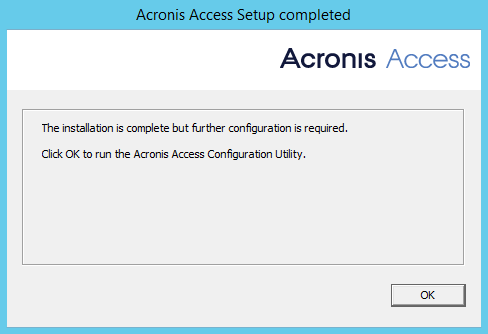
The Configuration Utility will launch automatically to complete the installation