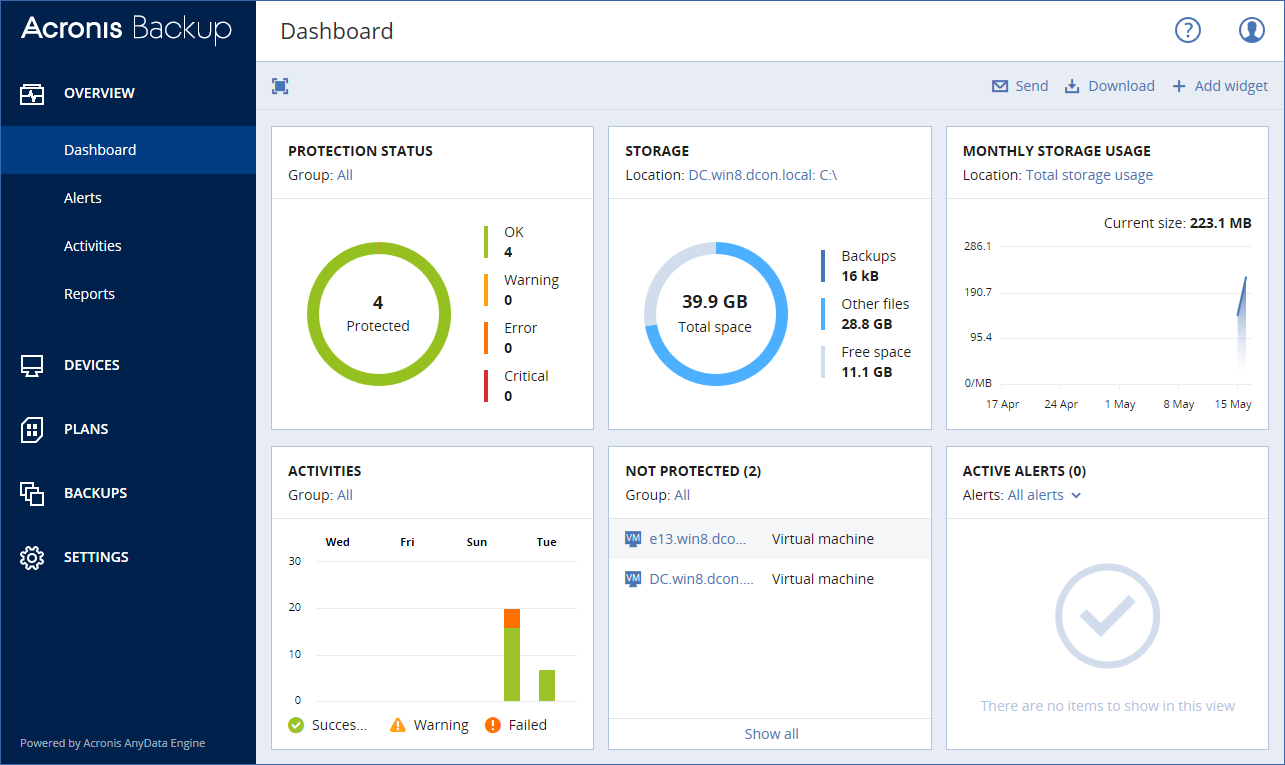
The Dashboard provides a number of customizable widgets that give an overview of your backup infrastructure. The widgets are updated in real time. You can choose from more than 20 widgets, presented as pie charts, tables, graphs, bar charts, and lists.
The following widgets are displayed by default:
Widgets have clickable elements that enable you to investigate and troubleshoot issues.
You can download the current state of the dashboard in the .pdf or .xlsx format, or send it via email. To send the dashboard via email, ensure that the Email server settings are configured.