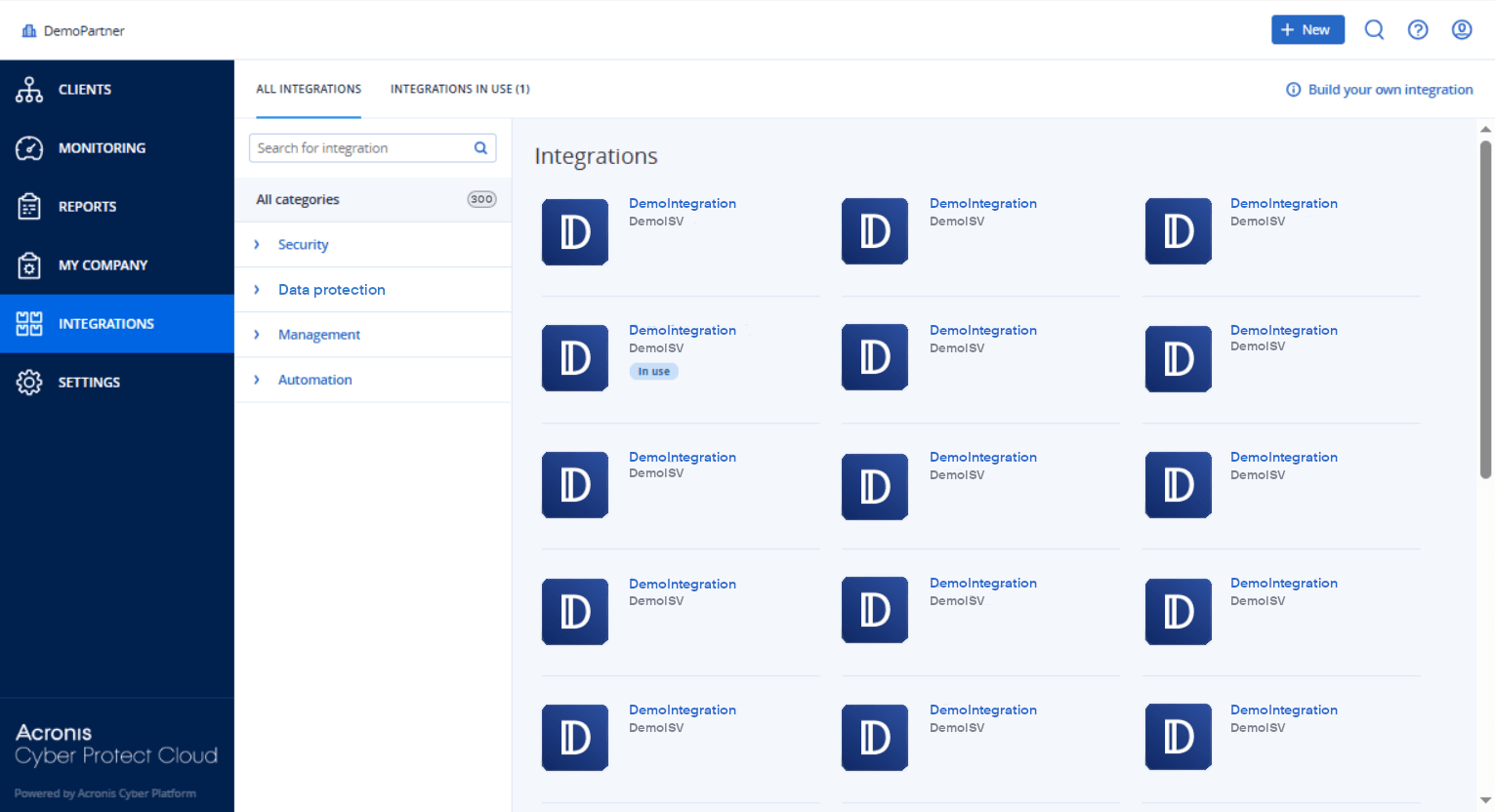
Opening your datacenter integration catalog
In your datacenter (DC) integration catalog, hover over a catalog card to access a short product description, the Configure button, and a Learn more link:
-
The Learn more link
Each integration catalog entry has a page with integration details including, for example, a full functional description, screenshots, videos, a feature list, contact details, links to integration resources, etc.
Click this link to open the integration detail page.
-
The Configure button
Click this button to activate the integration.
To open your DC integration catalog
-
Select Integrations from the main menu.
The All integrations tab is opened by default.
-
Choose a category and enter text in the search field to filter the catalog cards.