Clearing alerts
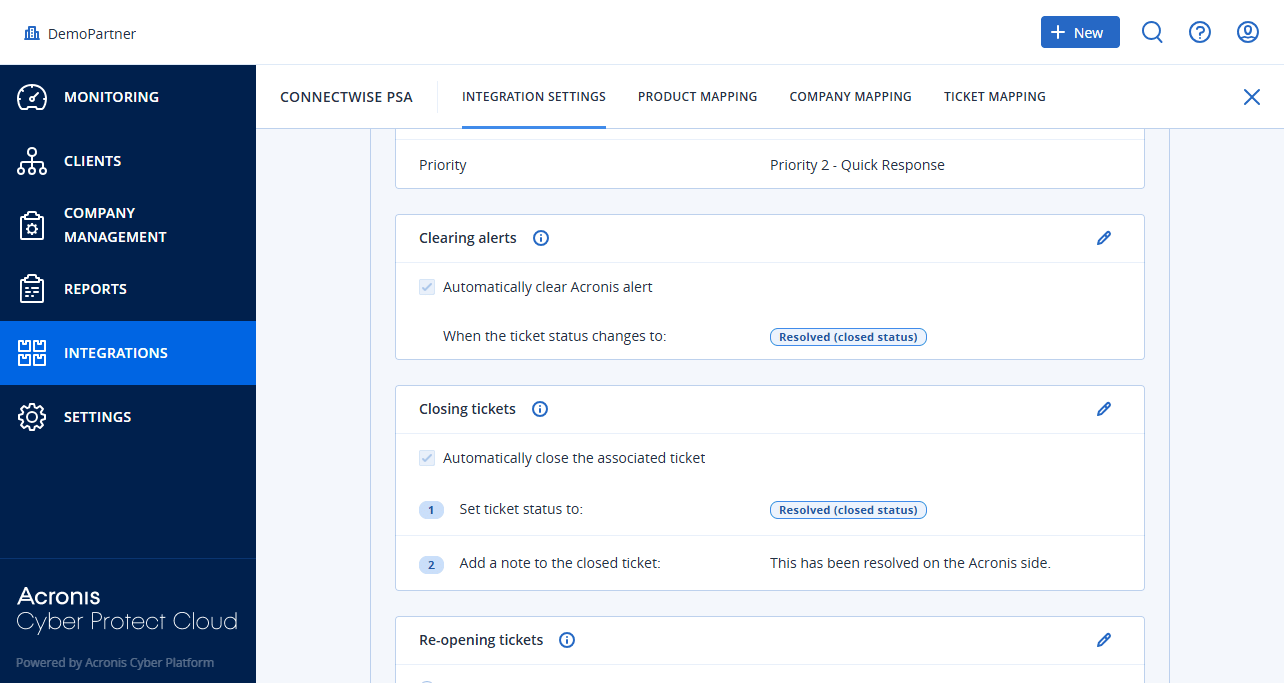
The integration can clear source Acronis alerts when their corresponding tickets change to a specific status in ConnectWise PSA.
To clear alerts
Company administrator
Custom role with 'Manage integrations' permission or 'Configure integration settings' permission
- [If required] Open the integration.
-
Open the INTEGRATION SETTINGS tab.
-
Scroll down to the Ticket mapping > Clearing alerts.
-
Click
 to edit the settings.
-
Select Automatically clear Acronis alert.
-
Specify When the ticket status changes to from the dropdown list of ticket statuses.
-
Click
 .
