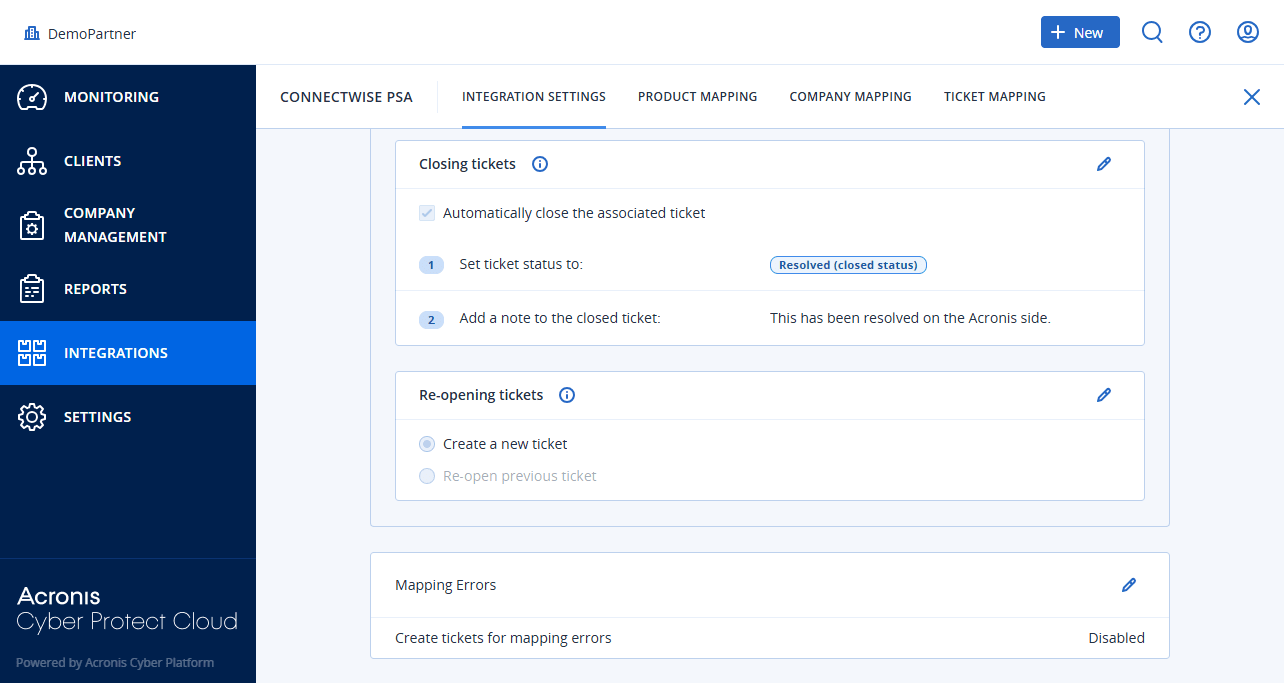
Mapping errors
If a ConnectWise PSA customer mapping error reoccurs, a ConnectWise PSA ticket can be created or reopened.
To handle mapping errors
-
[If required] Open the integration.
-
Open the INTEGRATION SETTINGS tab.
-
Scroll down to the Mapping errors section.
-
Click
 to edit the settings.
-
Select Get tickets for mapping errors.
-
Select How often tickets should be created/reopened:
-
With each sync
-
Once a day
-
-
Select Automatically resolve mapping error tickets.
-
Select the mapping error ticket status to assign when the mapping error has gone.
-
-
Specify the default attributes for creating mapping error tickets:
-
Board
-
Type
-
Status
-
Priority
-
Click
 .
