Viewing XDR integration errors
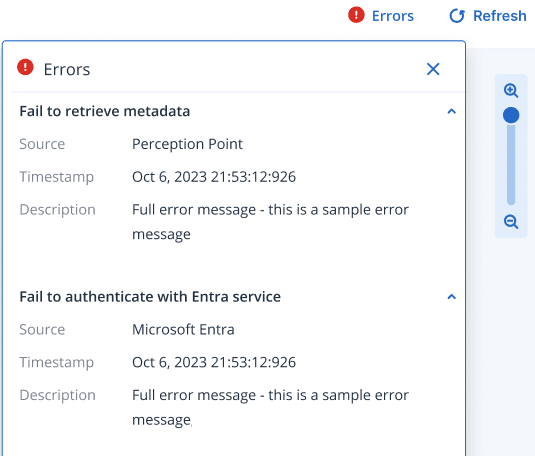
If an error occurred during the integration with third party XDR solutions, the Errors dialog is displayed. This dialog displays integration errors, including failures to connect to the integration source or if the integration was configured incorrectly.
The Errors dialog is displayed automatically (if there are errors) when you access the Incident Graph. To access this dialog at any other time, click Errors, in the upper-right corner of the Incident Graph. Note that the Errors button is not displayed if there are no current Incident Graph errors.