Preventing unlicensed Microsoft 365 users from signing in
You can prevent all unlicensed users in your Microsoft 365 organization from signing in by editing their sign-in status.
To prevent unlicensed users from signing in
-
Log in to the Microsoft 365 admin center (https://admin.microsoft.com) as a global administrator.
-
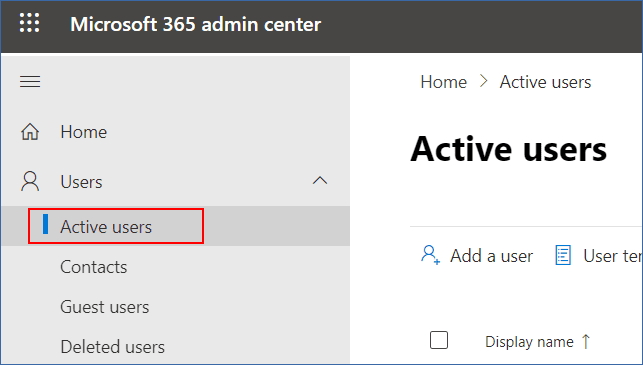
In the navigation menu, go to Users > Active Users.
-
Click Filter, and then select Unlicensed users.

-
Select the check boxes next to the user names, and then click the ellipsis (...) icon.

-
From the menu, select Edit sign-in status.
-
Select the Block users from signing in check box, and then click Save.