Deactivating the integration
To deactivate the integration
Company administrator
Custom role with 'Manage integrations' permission
-
Log in to Acronis Management Portal as administrator.
-
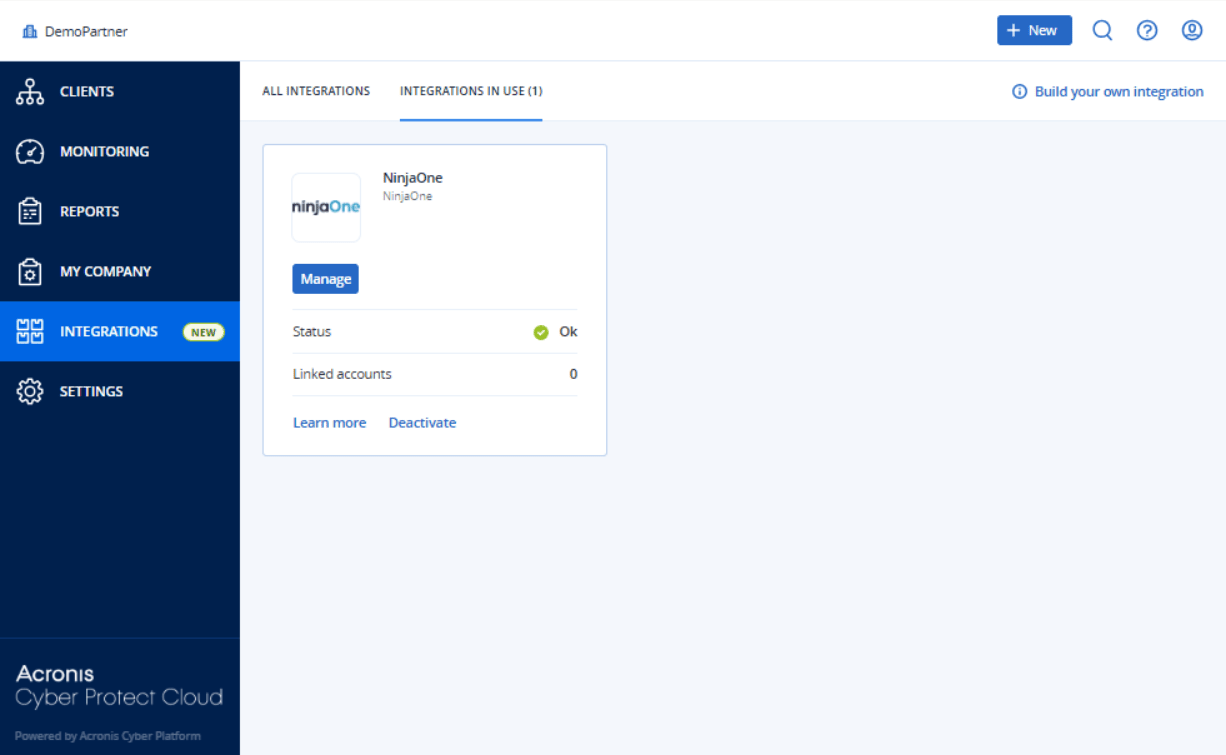
Select INTEGRATIONS on the main menu.
-
Select the INTEGRATION IN USE tab.
-
Locate the NinjaOne integration catalog card.
For more information, see the Management Portal partner administrator guide.
-
Click Deactivate.
-
Click Delete.