 Using Acronis bootable media is the only way to recover your Mac from an Acronis True Image 2021 backup.
Acronis bootable media is a removable drive containing boot files. When your Mac does not start, you use the drive to boot the Acronis recovery environment and recover your Mac from a previously created backup.
Fusion Drive is not supported as target for Acronis bootable media and Acronis Survival Kits.
If you do not have a backup yet, please create it. Refer to Backing up to local or network storage and Backing up to Acronis Cloud for details.
Using Acronis bootable media is the only way to recover your Mac from an Acronis True Image 2021 backup.
To create Acronis bootable media:
The drive must have at least 4 GB of free space. For example, you can use an external hard drive or a USB flash drive. The drive will be formatted with the Mac OS Extended file system. Note that CD and DVD media are not supported.
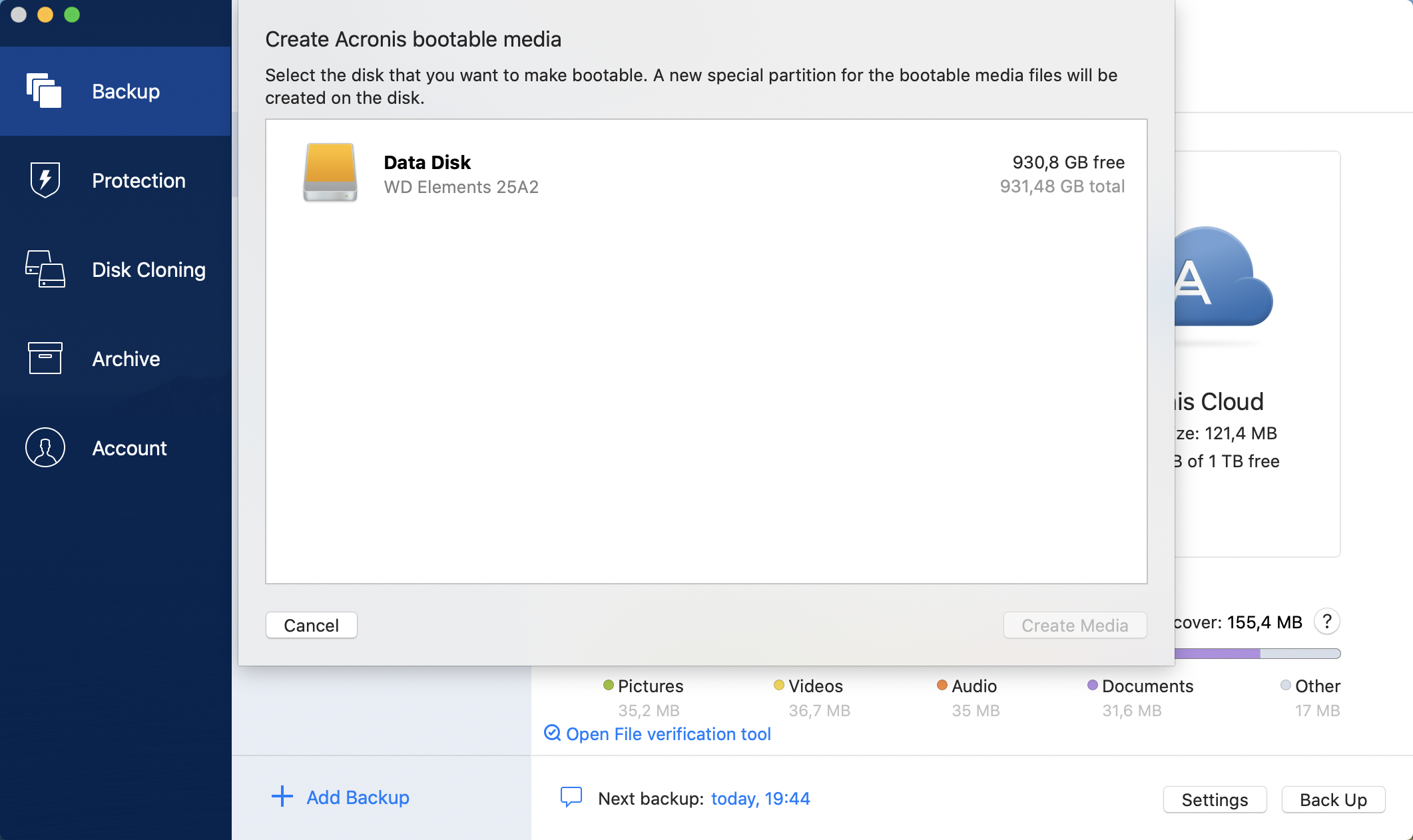
Acronis True Image 2021 creates a small partition on the selected drive and writes the boot files there. To create it, one of the existing volumes will be resized. If the disk is not a GPT one and it has a file system different from Mac OS Extended or APFS, Acronis True Image 2021 suggests formatting the disk. Pay attention, as disk formatting deletes all the data stored on the disk.
We recommend that you create a new bootable media every time you upgrade your Mac OS X to a newer version. Otherwise, your bootable media may not work properly.