- If this is your first backup, skip this step.
- If you already have a backup and you want to create a new one, click Add Backup at the bottom of the backup list.
Note: To delete a backup, right-click it, and then click Delete. The backup will be removed from the list and the backup files and the files of the backup replica will be permanently deleted from the backup storage. These files cannot be ever recovered.
- Entire Mac
When you select this option, Acronis True Image backs up all your internal hard drives in disk mode. The backup contains the operating system, installed programs, system settings, and all your personal data including your photos, music, and documents.
- Disks
- Files and folders
- Mobile device
Refer to Backing up mobile devices for details.
- Files to notarize
Refer to Notarized backup for details.
- NAS device (if any connected)
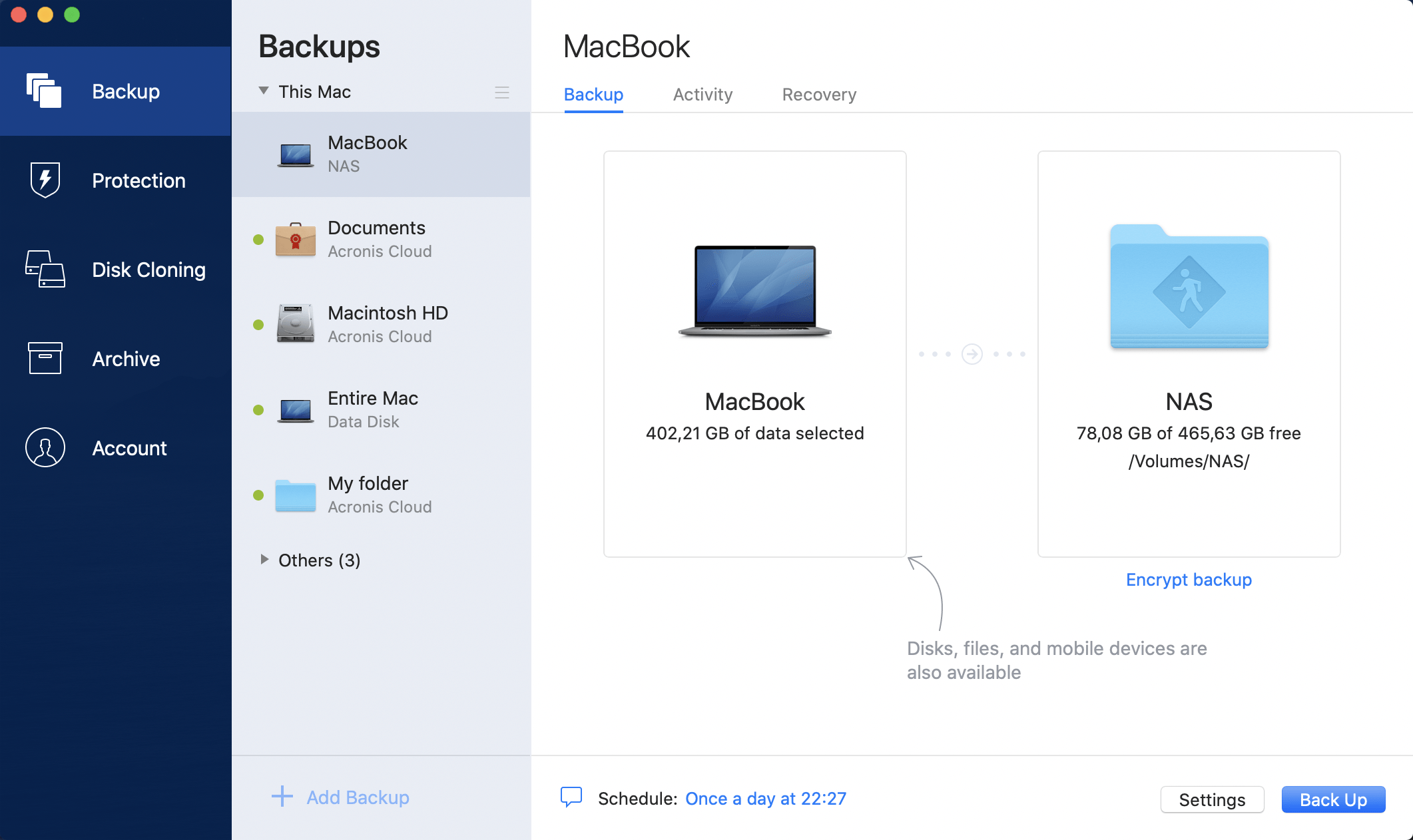
If you have an NAS device, it will be automatically detected and listed along with other locations.
- Exclude files and folders manually at Settings —> Exclusions. Refer to Excluding items from backups for details.
- Configure the backup schedule at Settings —> Schedule. Refer to Scheduling for details.
- Set the backup retention rules at Settings —> Cleanup. Refer to Cleaning up backups, backup versions, and replicasfor details.
- Protect your backup with a password and encryption at Settings —> Encryption. Refer to Backup encryption for details.