PSA customer feedback
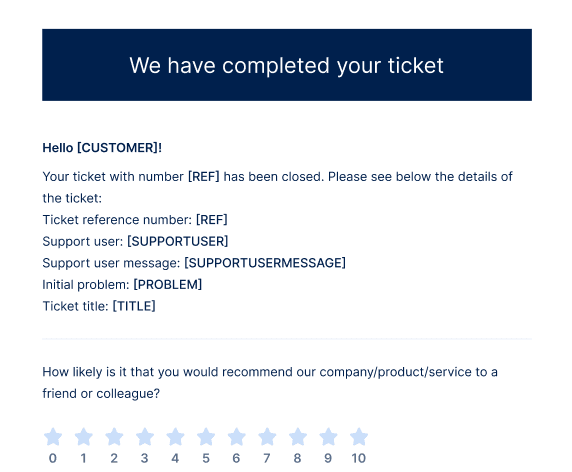
When a ticket status is updated to Closed, PSA sends a ticket rating request email to the customer. The ticket rating request email is sent only once.
When the customer receives the ticket rating request email, they can rate the ticket by clicking on the relevant star rating. When clicked, they can also add comments.
This email is included by default in PSA, and can be customized.
A confirmation message appears, thanking the customer for their feedback.
To see customer feedback
-
Go to Task management > Service desk
-
Locate and select the relevant ticket.
-
In the right sidebar, click the Overview tab.
Customers can submit their ticket rating regardless of their access to Management Portal or the Cyber Protect portal. In addition, they do not need access to the PSA service or have a specific PSA role.