Changing API keys
After you provide your ConnectWise PSA credentials to activate the integration, you can only change the public and private API keys.
For more information on how to generate a new set of API keys, see Creating an API member and getting API keys.
To change API keys
Company administrator
Custom role with 'Manage integrations' permission or 'Configure integration settings' permission
- [If required] Open the integration.
-
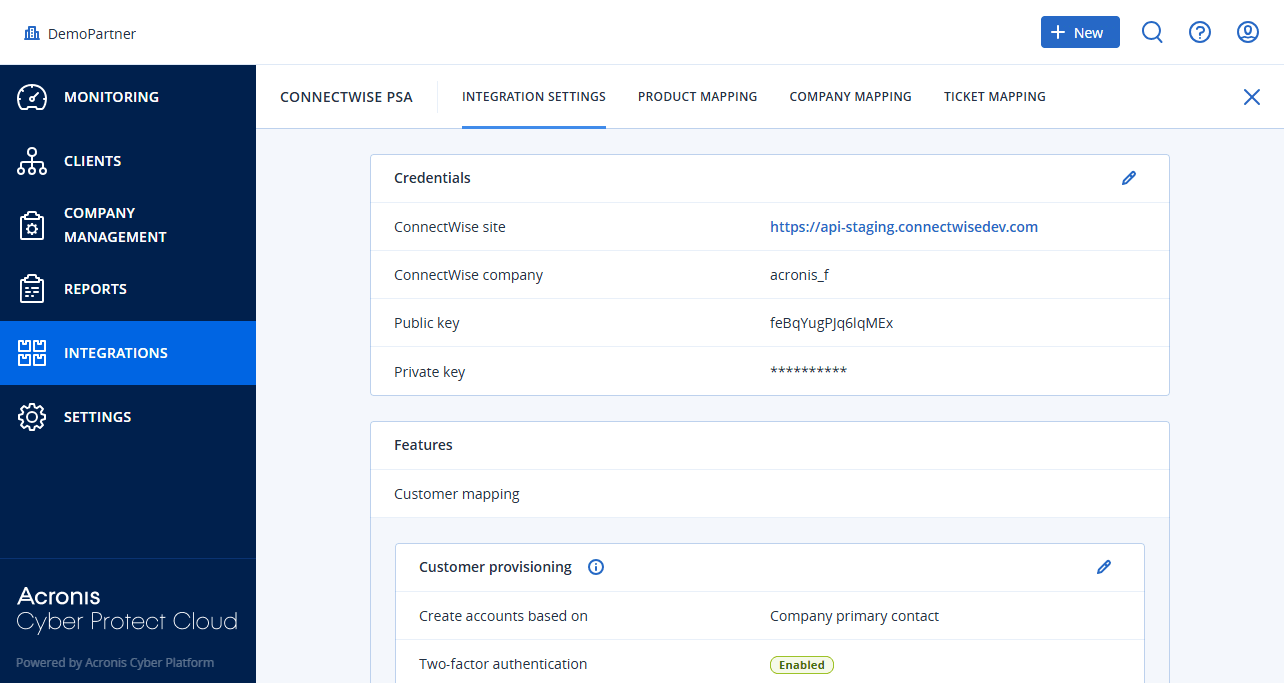
Select the INTEGRATION SETTINGS tab.
-
In the Credentials section, click
 .
-
Enter the new Public key and Private key.
-
Click
 .
