Creating an API member and getting API keys
To create an API member and get API keys
-
Log in to the ConnectWise PSA console.
-
Go to System > Members > API Members.
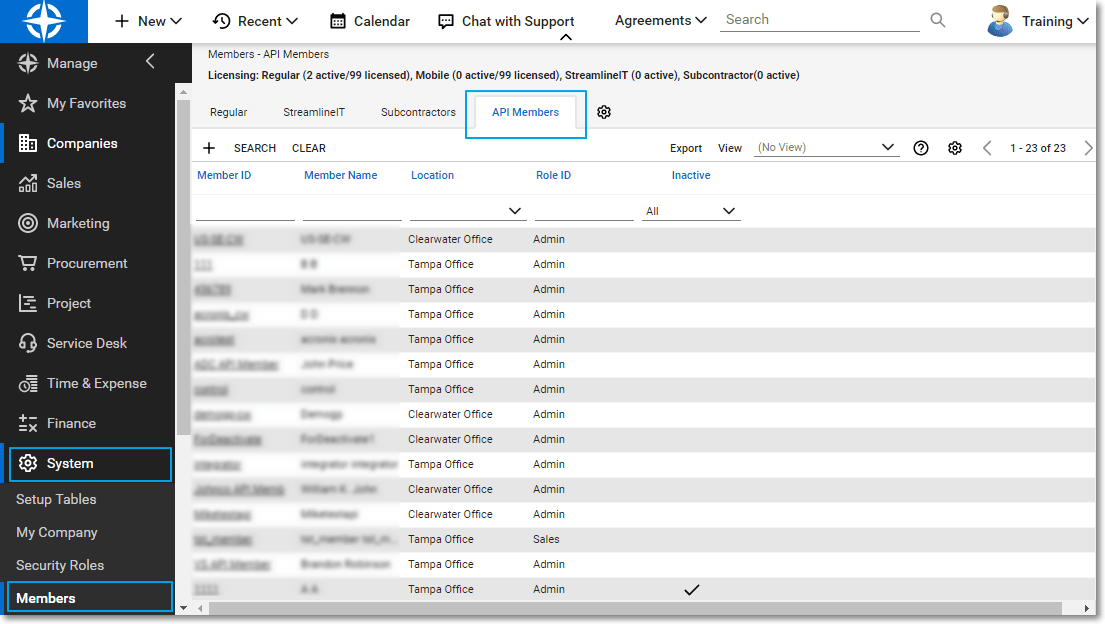
This API member does not use a Manage User License.
-
Click the + icon to add a new API member.
-
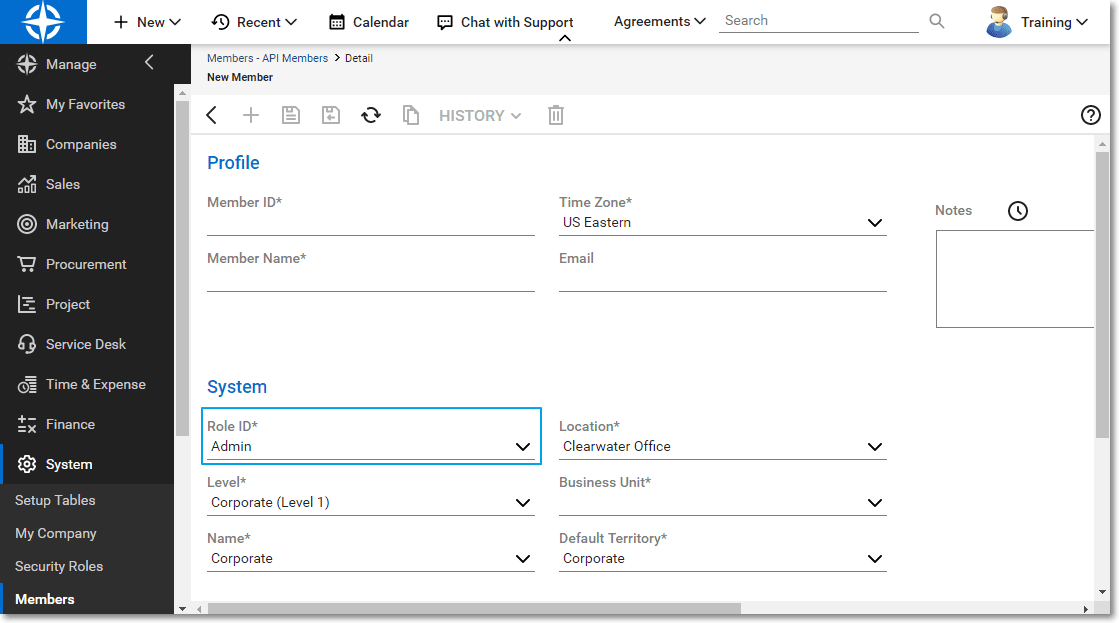
Fill out the required information and set the Role ID to the role you created for the Acronis API member.
Alternatively, you could use the Admin role.
-
Save the API member.
-
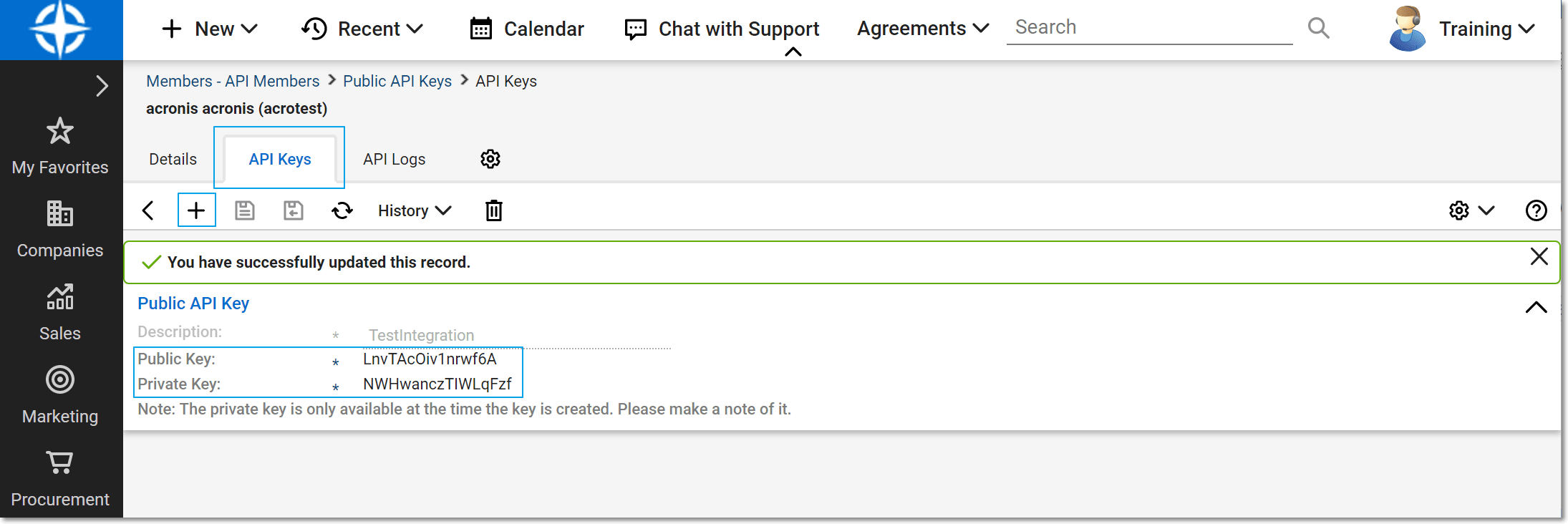
Switch to the API Keys tab.
-
Create a new API key and give it a name that will identify your integration.
-
Copy the public and private keys.
The private key will no longer be available once you leave this screen. You need both keys to activate the integration.