Enabling Extended Detection and Response (XDR)
To enable XDR
- Ensure that EDR is enabled in your protection plans. For more information, see Enabling Endpoint Detection and Response (EDR) functionality.
-
Go to Protection > Incidents.
-
In the top right of the screen, click
 .
. -
You are prompted to configure XDR integrations, which are required for XDR to protect your workloads. Click Configure XDR integrations.
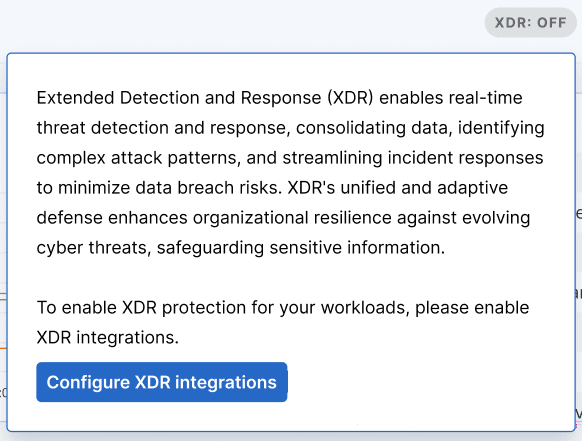
If you have existing XDR integrations configured and want to add additional integrations, click Add XDR integrations.
You are automatically redirected to Management Portal, where you can select and configure the relevant XDR integrations. For more information, see Integrating Advanced Security + XDR with third party platforms.
For more information about integrating with Microsoft 365, see these integration steps.
For more information about integrating with
When at least one XDR configuration is configured, the XDR option switch is enabled
 , and you can start working with XDR.