Activating the integration
To activate the integration
Company administrator
Custom role with 'Manage integrations' permission
-
Log in to Acronis Management Portal.
-
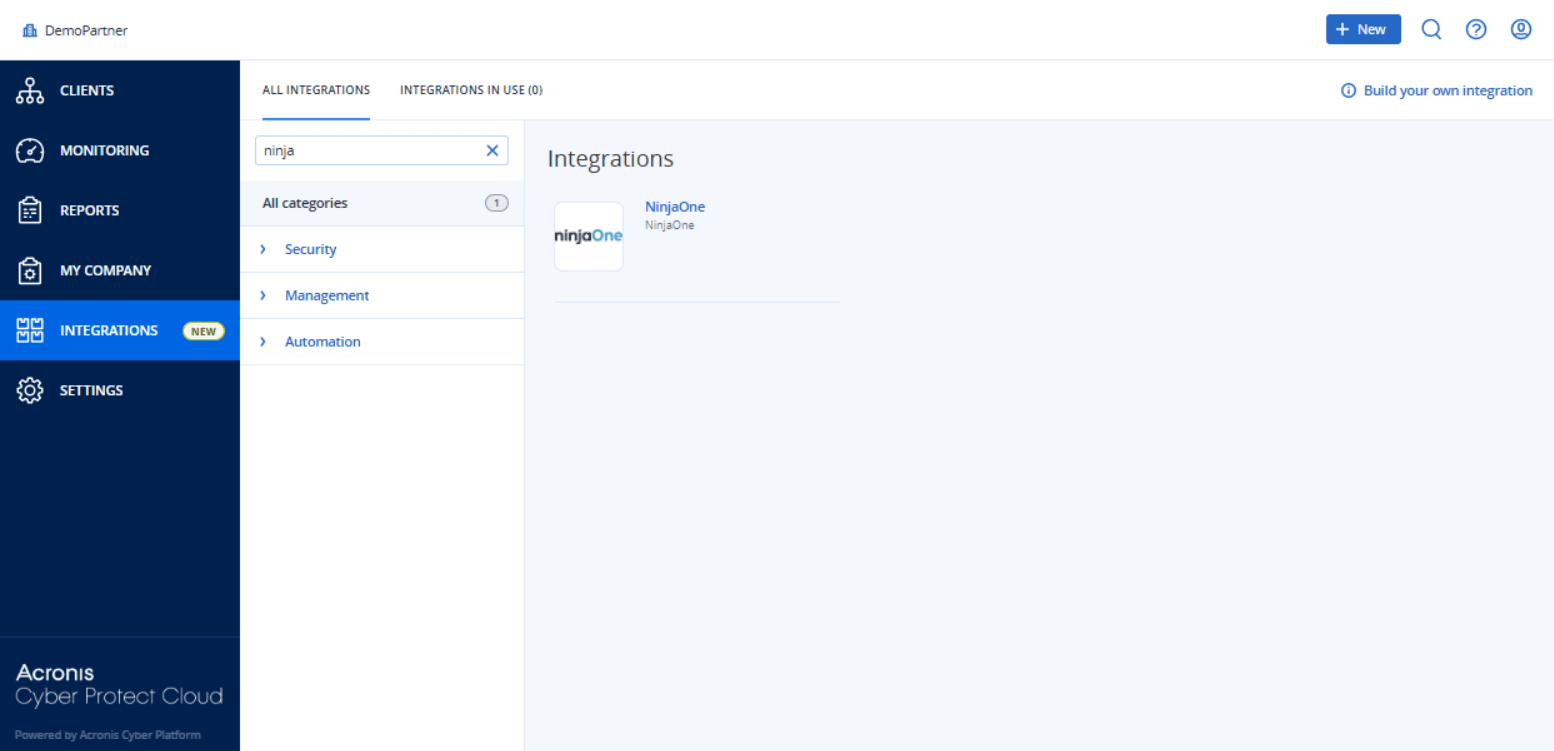
Select INTEGRATIONS from the main menu.
-
Search for the NinjaOne catalog card.
For more information, see the Management Portal partner administrator guide.
-
Hover over the NinjaOne catalog card and click Configure.
-
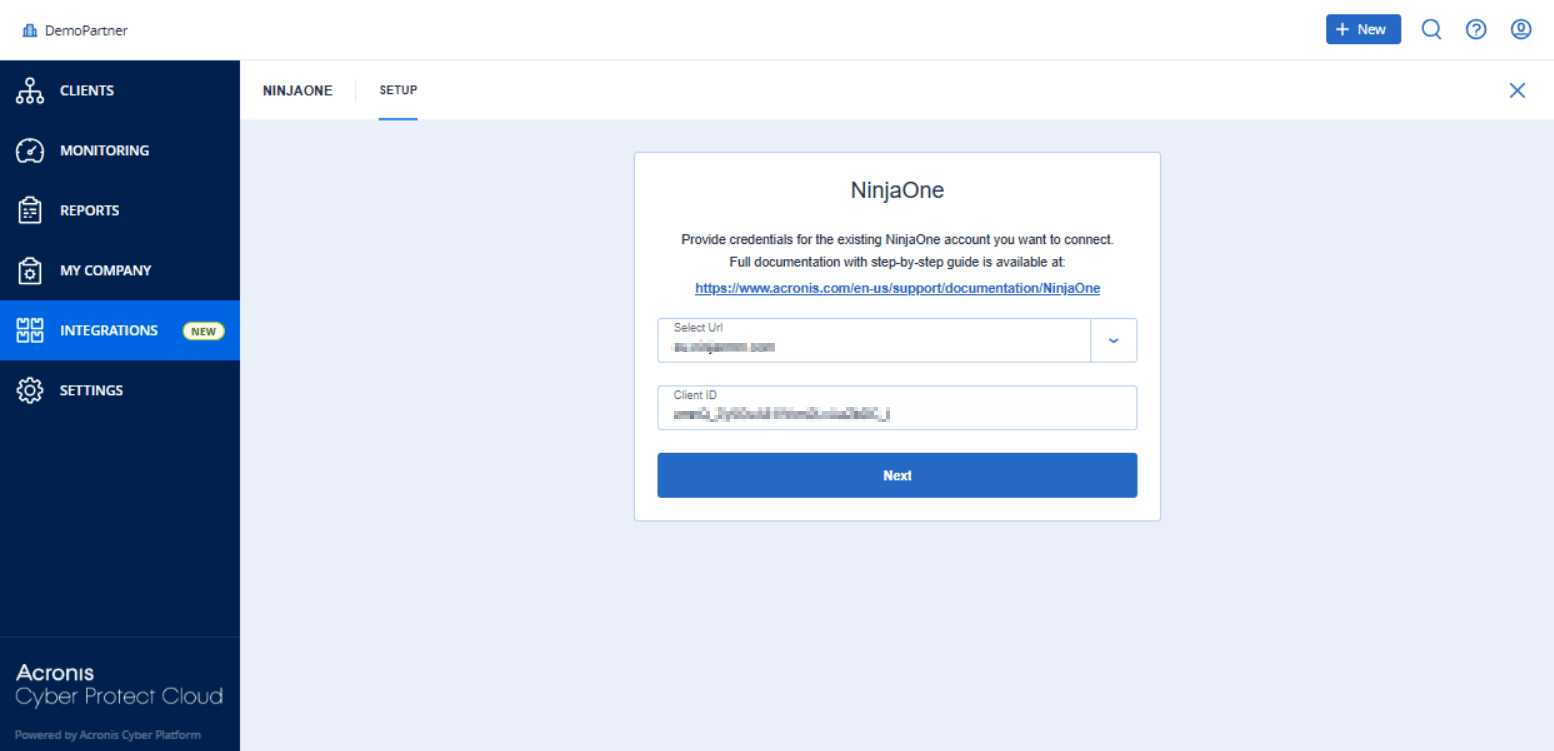
Select the URL of your NinjaOne account datacenter from the dropdown list.
If the datacenter you want to connect to does not appear in the dropdown list, edit directly or select Custom URL at the bottom of the list, and then enter the URL manually.
The URL must be a valid, publicly accessible HTTPS address; local or private IP addresses and redirects are not supported. If the URL is invalid, an error message appears below the field after you move the focus away from it.
-
Enter the Client ID for the client application you created.
For more information, see Generating a NinjaOne Client App ID.
-
Click Next.
-
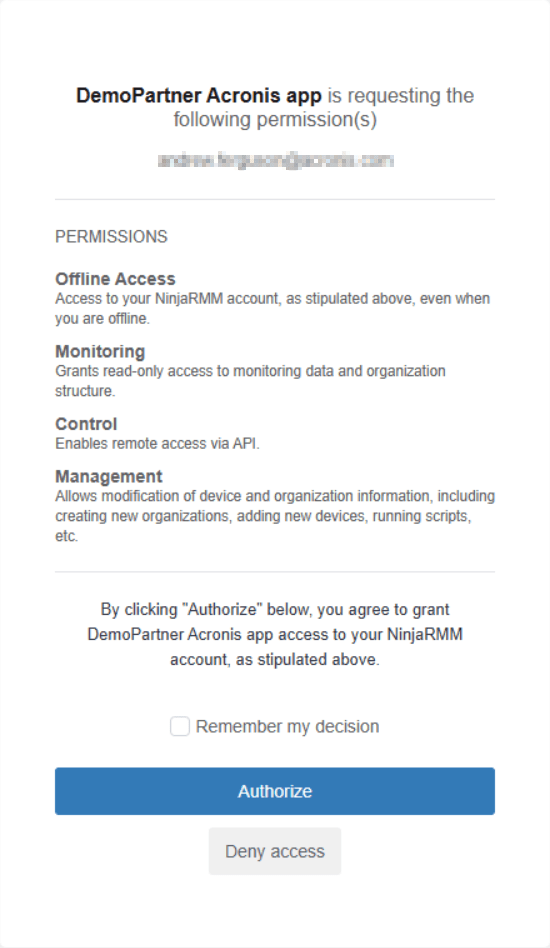
Click Authorize.