- If this is your first backup, skip this step.
- If you already have a backup and you want to create a new one, click Add Backup at the bottom of the backup list.
Note: To delete a backup, right-click it, and then click Delete. The backup will be removed from the list, and the backup files will be deleted from the backup storage.
- Disks
- Files and folders
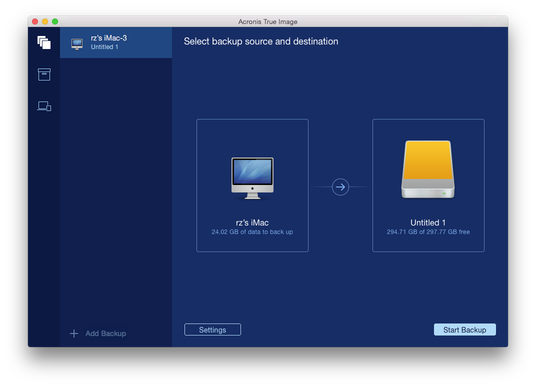
- Exclude files and folders manually at Settings —> Exclusions. Refer to Excluding items from backups for details.
- Configure the backup schedule at Settings —> Schedule. Refer to Scheduling for details.
- Protect your backup with a password and encryption at Settings —> Encryption. Select the Encrypt backup check box, and then type a password. Please memorize this password, because it cannot be retrieved.
Acronis True Image 2016 protects your backups with an AES (Advanced Encryption Standard) cryptographic algorithm using a 256-bit encryption key.