Creating a workflow
You can create a brand new workflow, or use one of the predefined workflow templates, according to your requirements.
If you are a partner user, you can create workflows for a specific tenant, or for a number of tenants. You can then assign the workflow to the relevant tenants in the Clients tab.
You can also add workflows to Cyber Console by importing them from a JSON file.
To create a workflow
-
Go to Automation > Cyber Studio > Workflows.
-
Click Create.
If there are no existing workflows, click Create workflow.
-
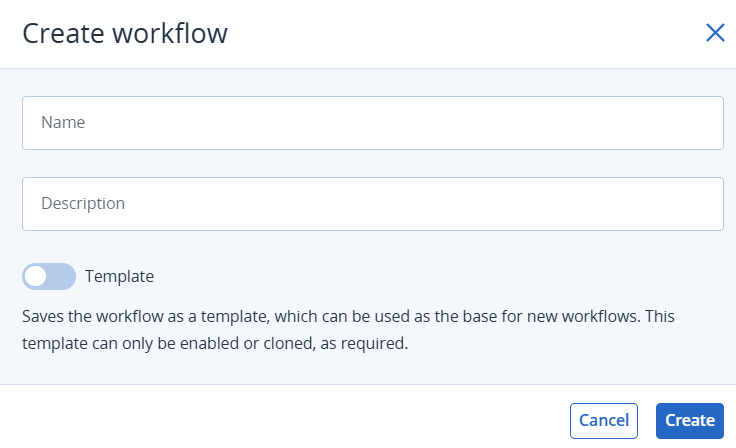
Define a name and (optional) description for the workflow.
-
Turn on the Template toggle switch to save the workflow as a template.
This makes it available to your partner and customer tenants, who can use it to create their own workflows.
-
All versions of the workflow will be visible to your customer tenants, and their child tenants and partners.
-
Your customer tenants and their child tenants and partners can view and access the propagated workflow, and can enable any version of the workflow or create their own version.
-
Your customer tenants and their child tenants and partners can disable a workflow version that they enabled or their child tenants enabled.
-
-
Click Create.